

 Back
Back

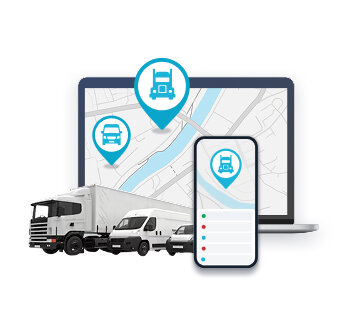
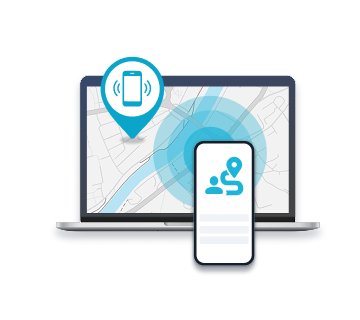















Free Mobile Phone Tracker App
Track any mobile phone online 24/7


- Phone GPS tracker for personal use or business
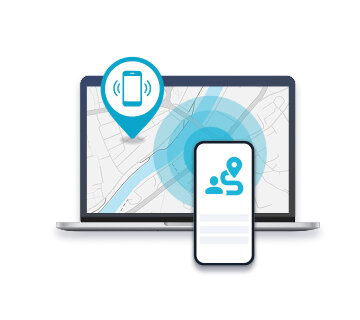
- See phone's location on PC or another phone
- Real time tracking, alerts, preview history etc.
- Receive and manage tasks
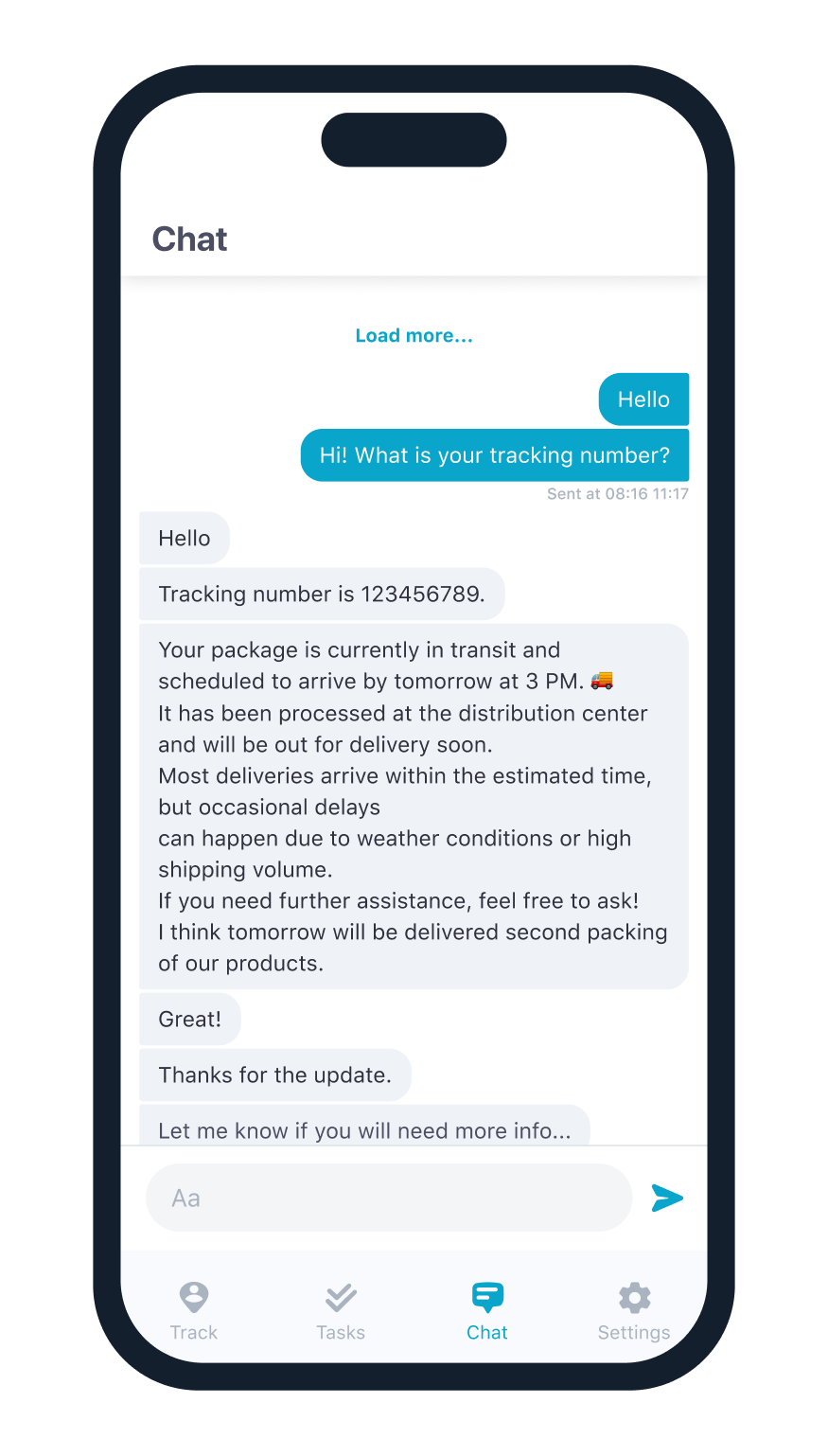
- Communicate between users
- Find lost or stolen mobile phone
- Perfect for family or employees tracking


Mobile Phone Tracker Manual: Android / iOS
- Go to GPSWOX.COM and create your account for free.
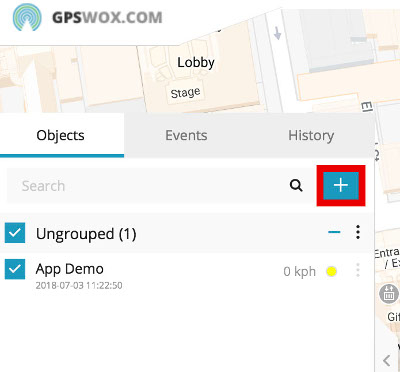
- In the web platform press the "+" button to add a new device.
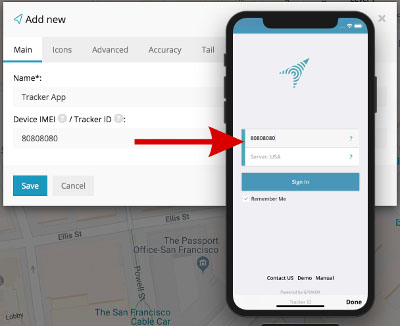
- Give the device a name (For example: "Tracker App")
- Create a Tracker ID, which can contain any characters. (This Tracker ID will be used for logging in to your Tracker Application).
- Download the Tracker application from the App Store:
Android - Google Play store
iOS - Apple App store - Log in to the Tracker application with the Tracker ID you created on the web platform.
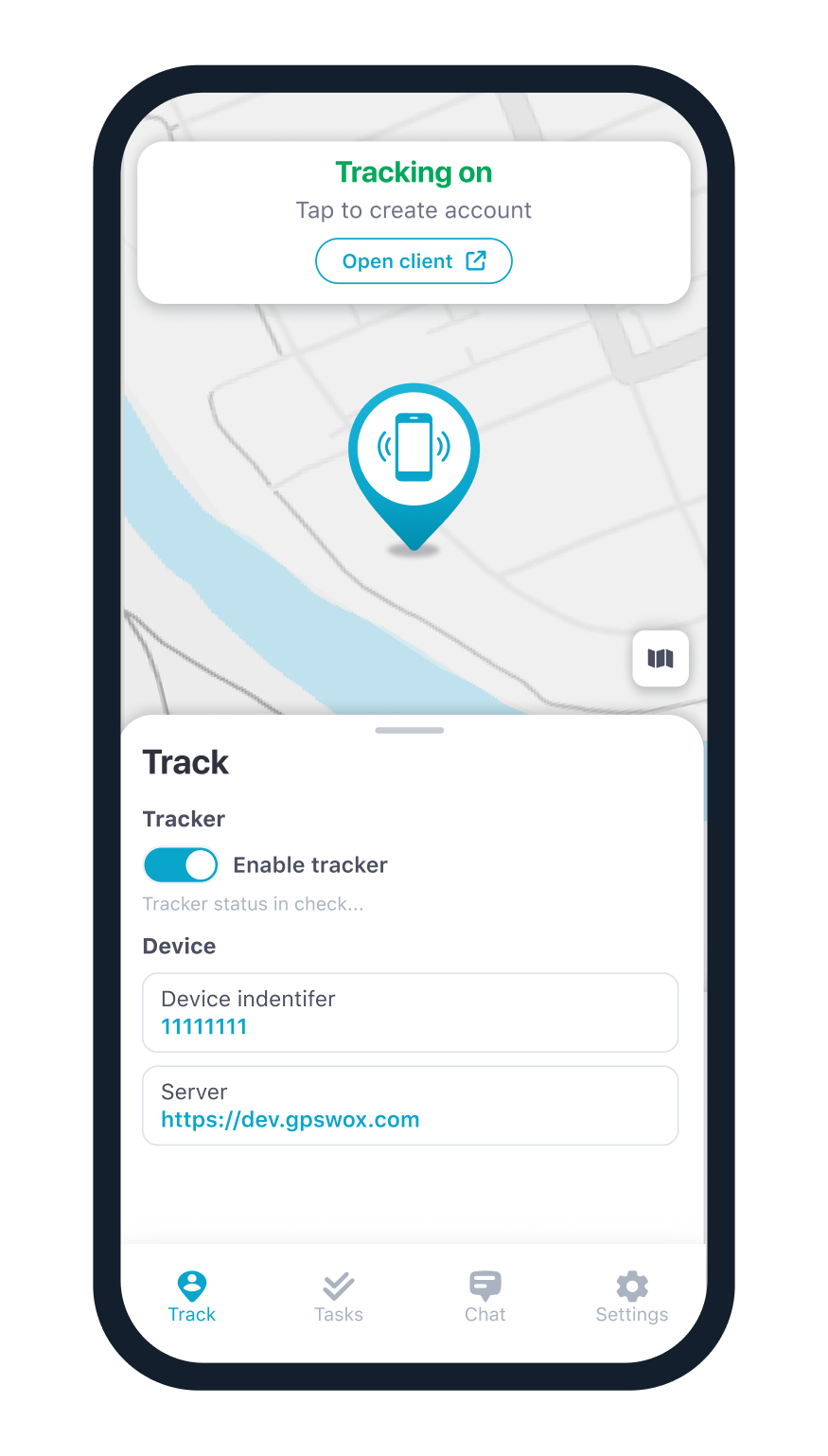
- After logging in make sure to allow location access.
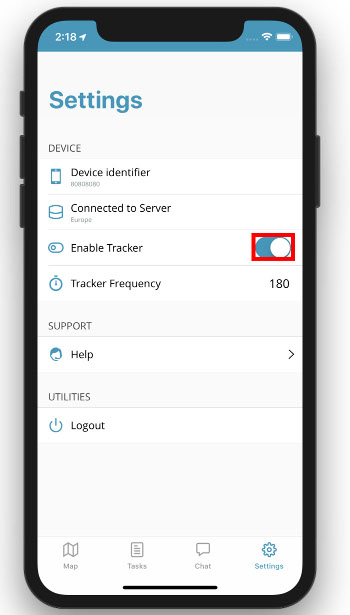
- It is in main app screen, press the "Enable Tracker" switch to start tracking.
- Check the web platform. In a few minutes (depending on your frequency rate) you'll see the location of your phone on map.
How to use the Task system?
- Go to GPSWOX.COM and log in to your account.
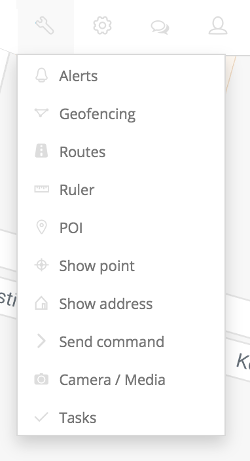
- Select the device you'd like to assign the task to.
- Fill in the rest of the form and click Save.
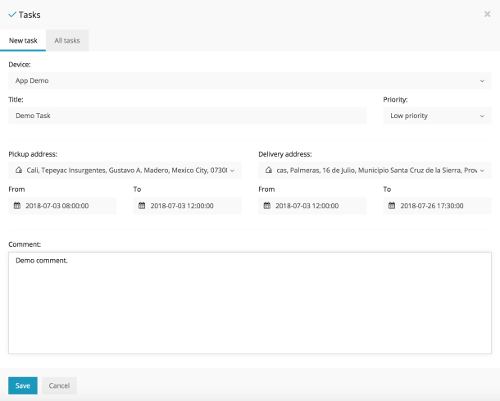
- Open your Tracker App and log in.
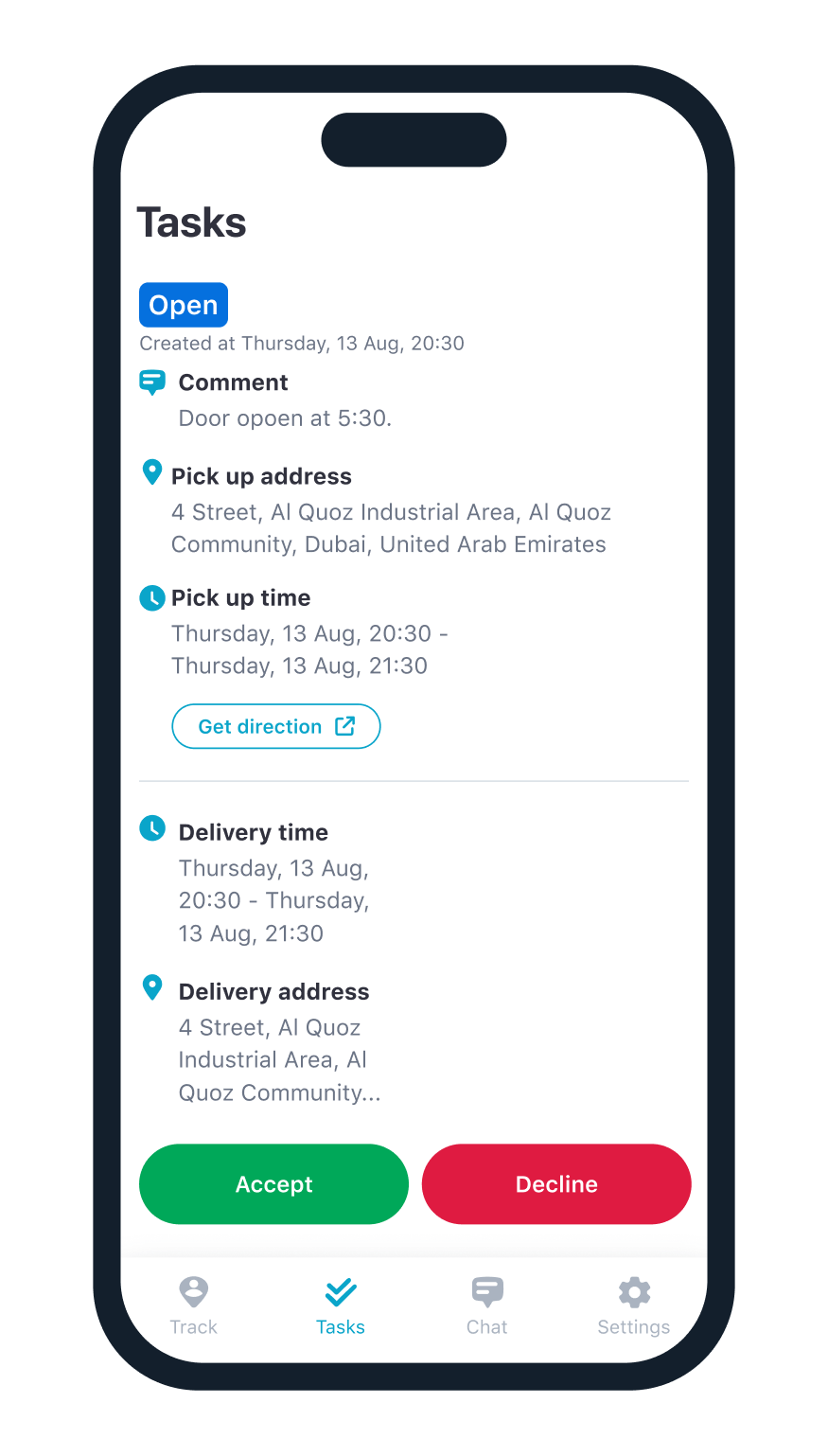
- Go to the Tasks tab and you should see your Tasks there.
- Click on a Task to view more details about it and click Accept to begin progress on the selected Task.
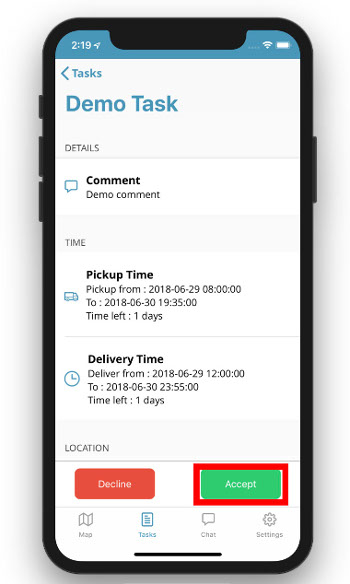
- Go back to the Tasks list to see the changed status.
- To mark the Task as Complete click on it again and press Complete.
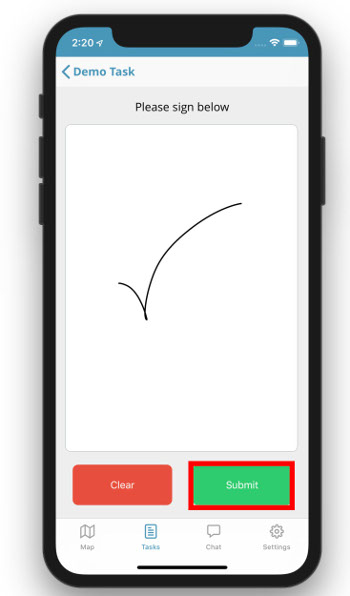
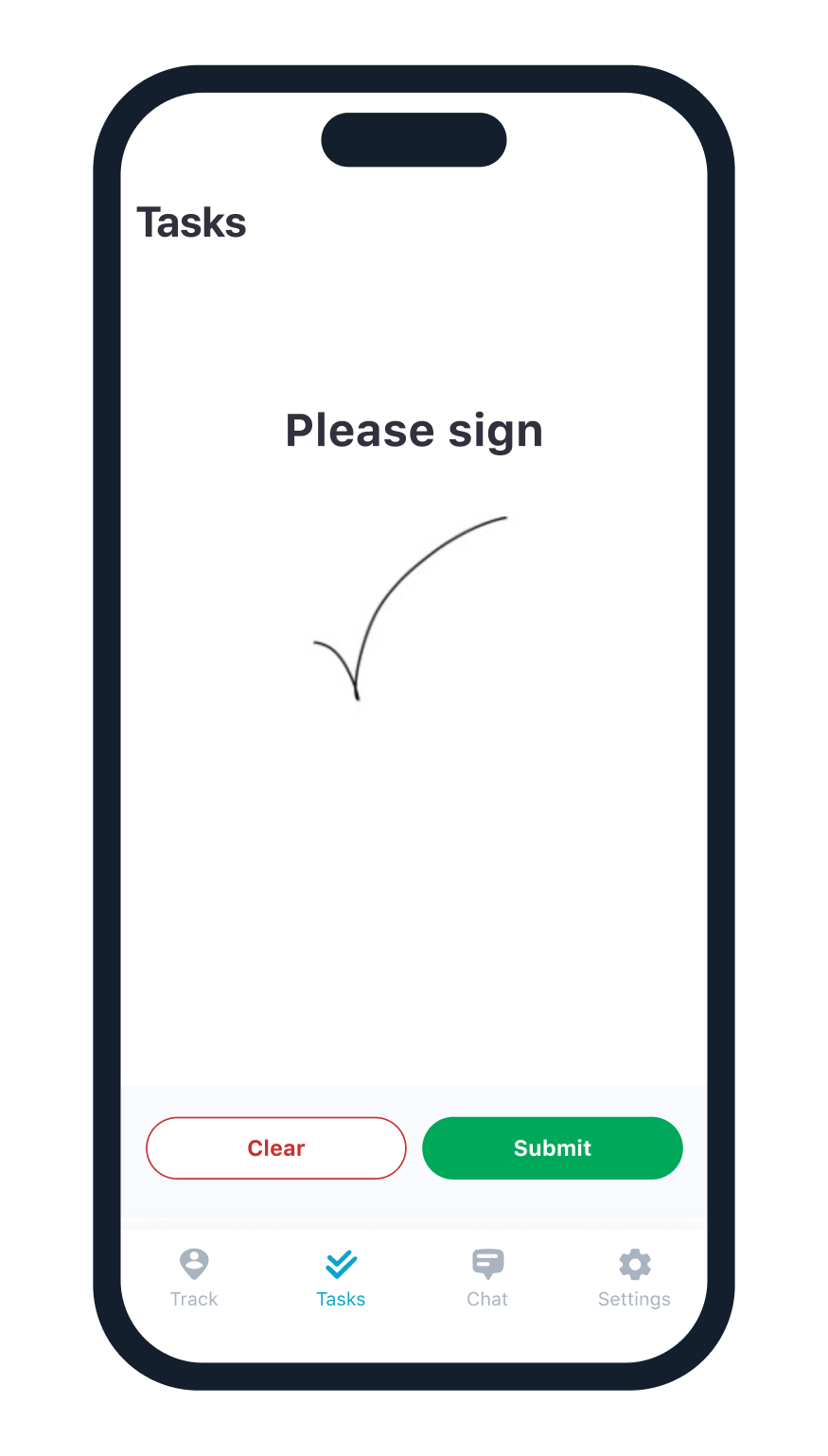
- Get a signature and Press Submit. Now the Task is Marked as Complete.
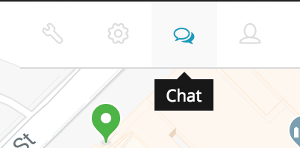
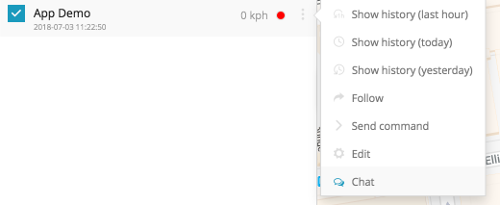
How to chat with the Tracker application from the web?
- Go to GPSWOX.COM and log in to your account.
- Select Chat and select a device you'd like to chat with.
How to chat with the web platform from the Tracker application?
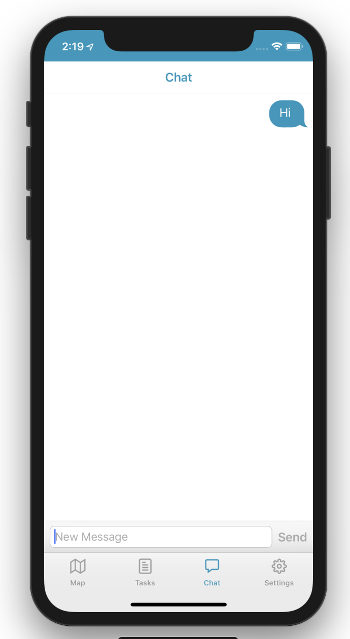
- Open your tracker application and log in with your Tracker ID.
- Select the chat tab and start chatting. Messages sent through here will be instantly sent to the web platform.
How to change the tracking frequency?
- Open your tracker application and log in with your Tracker ID.
- You need to disable tracking before changing Tracker Frequency.
- Tap on Tracker Frequency and set your desired frequency. (We recommend to keep the tracker Frequency above 180, for greater battery life)
Global market leader
100,000+ customers trust GPSWOX for their tracking needs.
And 1,500+ people have started their own GPS tracking
business with our
white label GPS software.


Global users

Units tracked

Active countries

Data points collected
GPSWOX mobile tracking apps: track your family, vehicles, and more
If you think tracking by GPS is a hard and technical task, then we’ve got some great news for you: it’s as easy and simple as 1-2-3. With powerful new mobile applications coming out every day, you can download free GPS tracker app on mobile phones whenever you want, meaning that you’ll be able to keep tabs on your cell phone or a loved one’s phone quickly and easily.
Of course, we’ve all been in a pretty similar situation: we can’t remember where we placed our mobile phones. And, to make matters even worse, we went ahead and turned the volume off. That’s when we begin to frantically look everywhere, hoping that we’ll locate it by memory alone. Often, what makes it harder is if we’ve returned from a trip and are not sure if the cell phone is at the previous destination, in the car or bus, or somewhere at our home. This can lead to a lot of frustration, especially since phones nowadays hold so many pictures, movies, messages, and many more crucial moments of our lives. Free Mobile phone GPS tracking is a really effective way for you to ensure that you can locate your cellphone online whenever you want.
Tracking a phone by GPS doesn’t have to be hard. All you need to do is to get the right mobile GPS tracking application. Luckily, GPSWOX’s phone track GPS app will help you to do just that, with its effective phone tracking features, intuitive layout, and easy setup. The first thing you’ll need to do is download the Free GPSWOX mobile app to enable phones with GPS tracking.
GPSWOX can add GPS trackers on phones with the following amazing features:
- track your cell phone online at any time on PC or another phone
- get real-time tracking and alerts
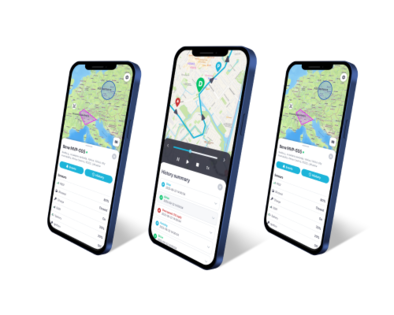
- preview the phone’s location history
- receive and manage tasks
- communicate easily between users
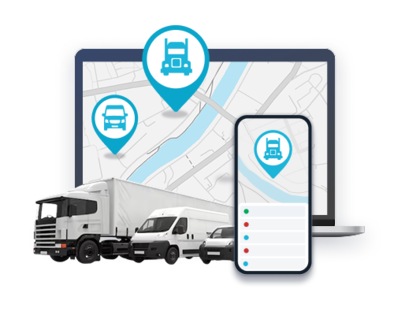
- effectively track family and employees
- accurately locate lost or stolen mobile phones
These features will allow you a wide variety of options to not only track phones, but also communicate effectively and carry out important tasks.
Luckily for you, it’s not just easy to start tracking your phone – the best part is that it’s also free. The first thing you’ll need to do to get started is to download the Android, iOS, or Windows free GPSWOX tracker app on mobile phone you’d like to track. Then, let the easy to use, convenient, powerful – and free – cell phone tracker do all the work for you.
You will be able to ensure the safety and location of your child, your spouse, significant other, family member, employee, and of course, your own phone. Even better, putting free mobile GPS trackers on cell phones is a great idea for keeping tabs on your cellphone when you are out travelling, whether domestic or abroad.
With that, you’ll have peace of mind knowing that your phone or another person’s cell phone is easily traceable by GPS. That means more relaxing visits, vacations, trips, and an easier time doing the things that you enjoy in your life.