











Tools: Alerts
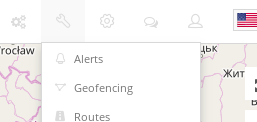
To create an alert choose "Alerts" in "Tools" menu on the main map window and press "Add alert" button (blue "+" symbol icon) on alerts panel.
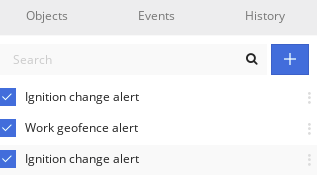
A new panel window will be opened. Start creating an alert by filling required information.
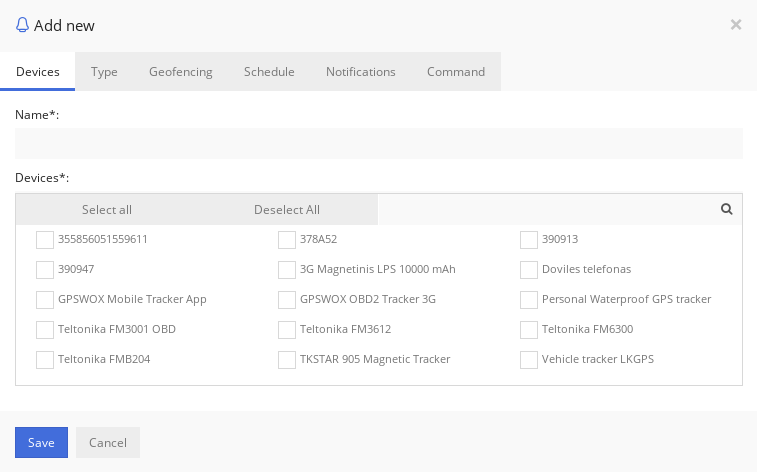
Devices
Enter alert name (required) and select objects (required) for which alert will generate.
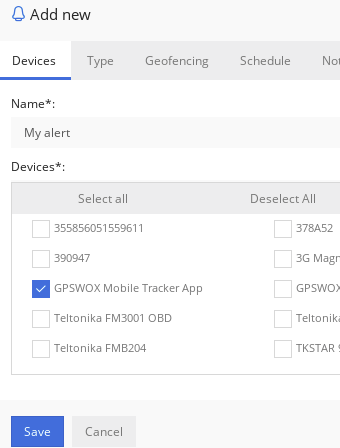
Type
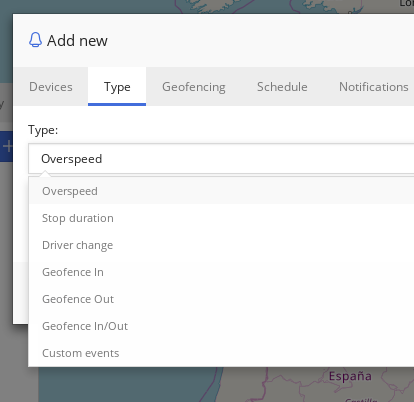
Select alert type from the list. There are 7 types described as follows.
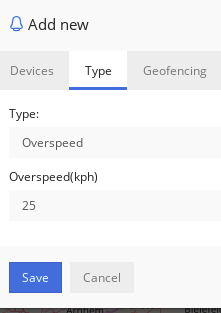
Overspeed - this alert will generate when objects overspeed the value entered.
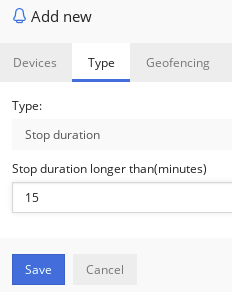
Stop duration - this alert will generate when object is not moving for defined time in minutes.
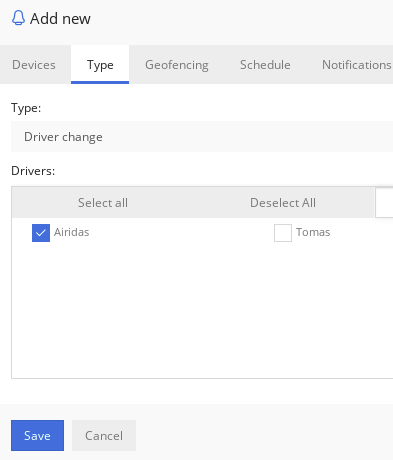
Driver change - this alert will generate when driver on object changes from selected drivers in the list.
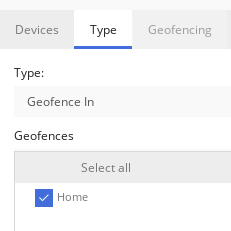
Geofence In - this alert will generate when object travels into geofence.
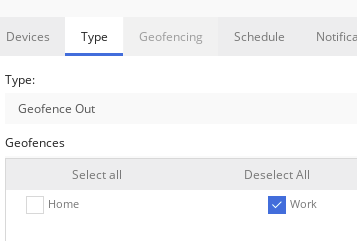
Geofence Out - this alert will generate when object travels out of geofence.
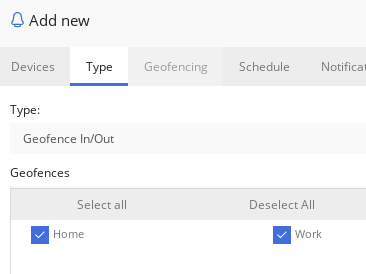
Geofence In/Out - this alert will generate when object travels in or out of geofence. Note that when selecting "Geofence In", "Geofence out" or "Geofence In/Out" alert types, "Geofencing" tab will be disabled.
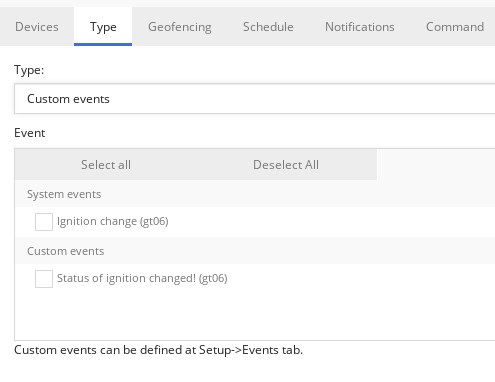
Custom events - this alert will generate when user created custom or system wide events are generated.
Geofencing
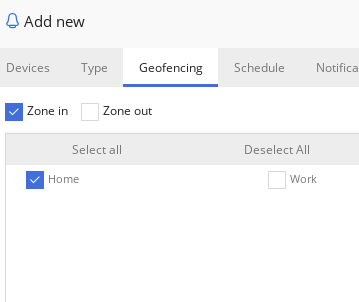
Select geofences that will generate alert when object will be moving inside or outside geofence. This will work together with other type of alerts. For example it will generate overspeed alert only when moving inside or outside geofence.
Schedule
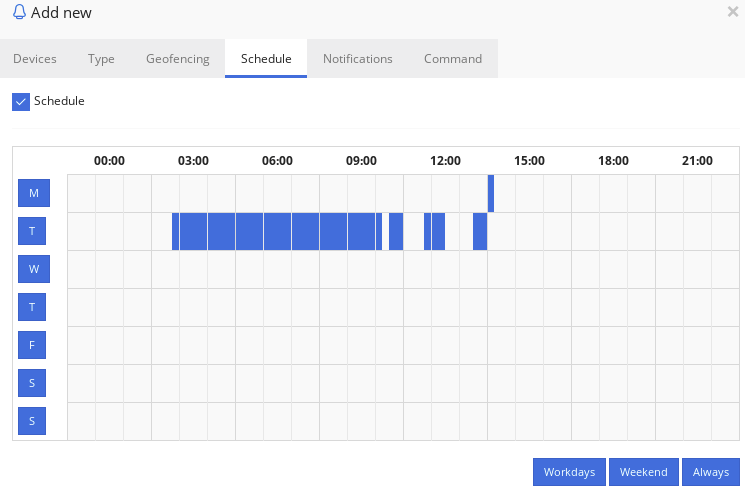
Select when alert will be active. Press the mouse and paint on the calendar table. One table item is 15 minutes. Exact time stamp can be seen by hovering over the item with a mouse.
Notifications
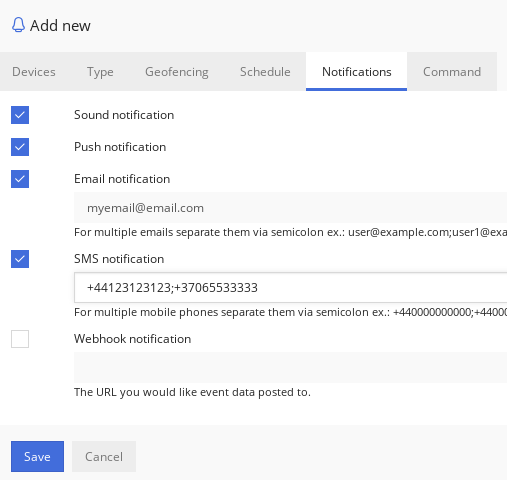
Select which notifications a user will get when alert generates.
There are sound notification that makes sound on web browser once alert generates.
Push notifications works also on mobile apps.
Email notification will send an email.
SMS notifications will be sent to the numbers provided. SMS Gateway must be enabled to show this part of Notifications.
Webhook notification request is HTTP POST with JSON body.
Note: With PHP POST body you can get like this: $json = file_get_contents('php://input');
The webhook incoming data example.
Command
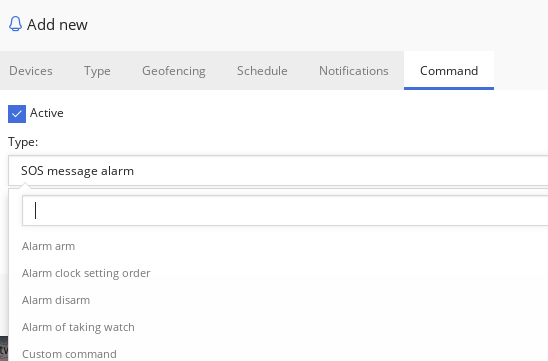
Select command to activate when alert generates. Command will be sent to device trough GPRS network.

Customer reviews
GPS tracking business was started in 2011. Around 3000 devices now. Looking forward to have a professional and updated platform with good features to be able to continue in the market due to high competition.
-Moe Saleh,
Viewtech
I glad to worked with your company ... the software great and stable, with a little some problems happening sometimes, I'm sure your company doing well for the best.
-Mr. Mohamed Eshikh,
Assafir
We bought the software in the beginning of this year (2017) and start selling in March. It is easy to use. Use to setup by us or the costumer. User friendly.
-Steven Michiels,
You Trace
24/7 Support and because the public imagae is more professional compared to other providers. So far it’s been good.
-Alim Sinnette,
GSR Tracking
GPSWOX has a good base functionality, which we can develop further to our specific needs. It also covers the initial starting point we required from multiple end with regards to app support, branding, multi-language, multi-device. GPSWOX also gives us security in term of long term customizations and regular updates, as well as the ability to provide basic driving quality reports, without obviously forgetting the value for money.
-Mr. Antoine Bartolo,
Worldfone 1 Co. LTD
I started on the tracking business on Aug 2010. And found GPSWOX was my best option when they started business. I started with 40 units on GPSWOX tracking platform and now I track more than 1000 objects. After several years on using different tracking platforms I found the best way to do great business. and get the best support than any other platform. Very satisfied to work with GPSWOX.
-Enrique Pasten,
Encuentra GPS
High level of service and features offered, independency in terms of used features, realisation L/T, support and of course reasonable cost. As of today I have no claims or negative feedback. Beginning was a bit slower but our specification was not perfect too, after some clarification the level of service is pretty good – we are happy.
-Jan Zitek,
My Simphonie
50 to start and now we'are increasing that number with GPSWOX. The ability to intgerate their system, with ours easily, as well as the mobile app integrations.
-Collin T. and Ian G.,
Mobile Technologies Inc.
It is really fast and efficient. Its interface is clean and intuitive.
-Yuri Peña Villa,
Sicoise
Beginning we had 10-20 now we have over 500+ units. GPSWOX has just been amazing all around from (pricing, interface, performance, learning curve)
-Jonathan R.,
NCT Support