

 Back
Back




















10.4 User Settings
User Settings
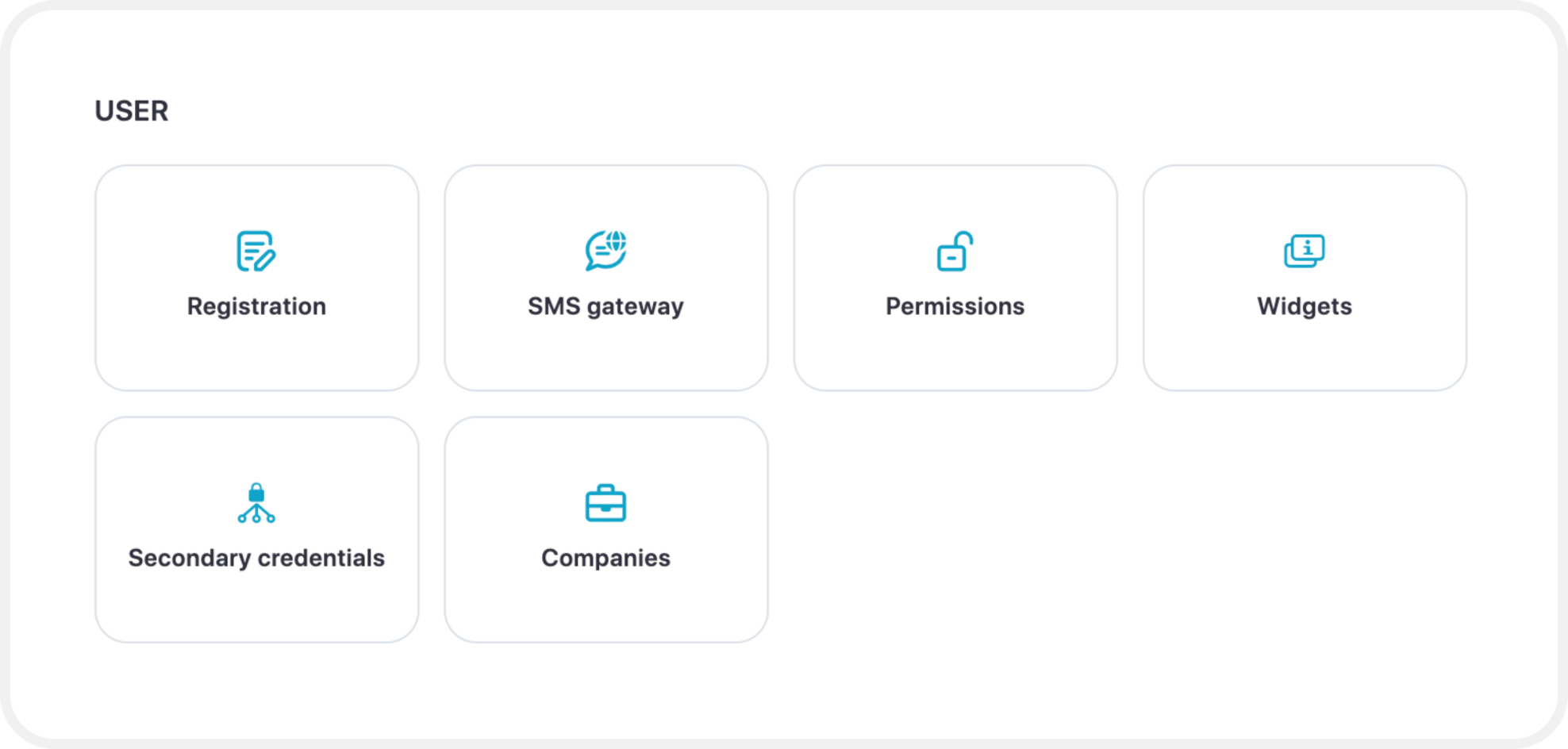
Registration
This functionality allows users to register themselves instead of an administrator creating an account on behalf of users. Registration allows to configure the registration process for users.
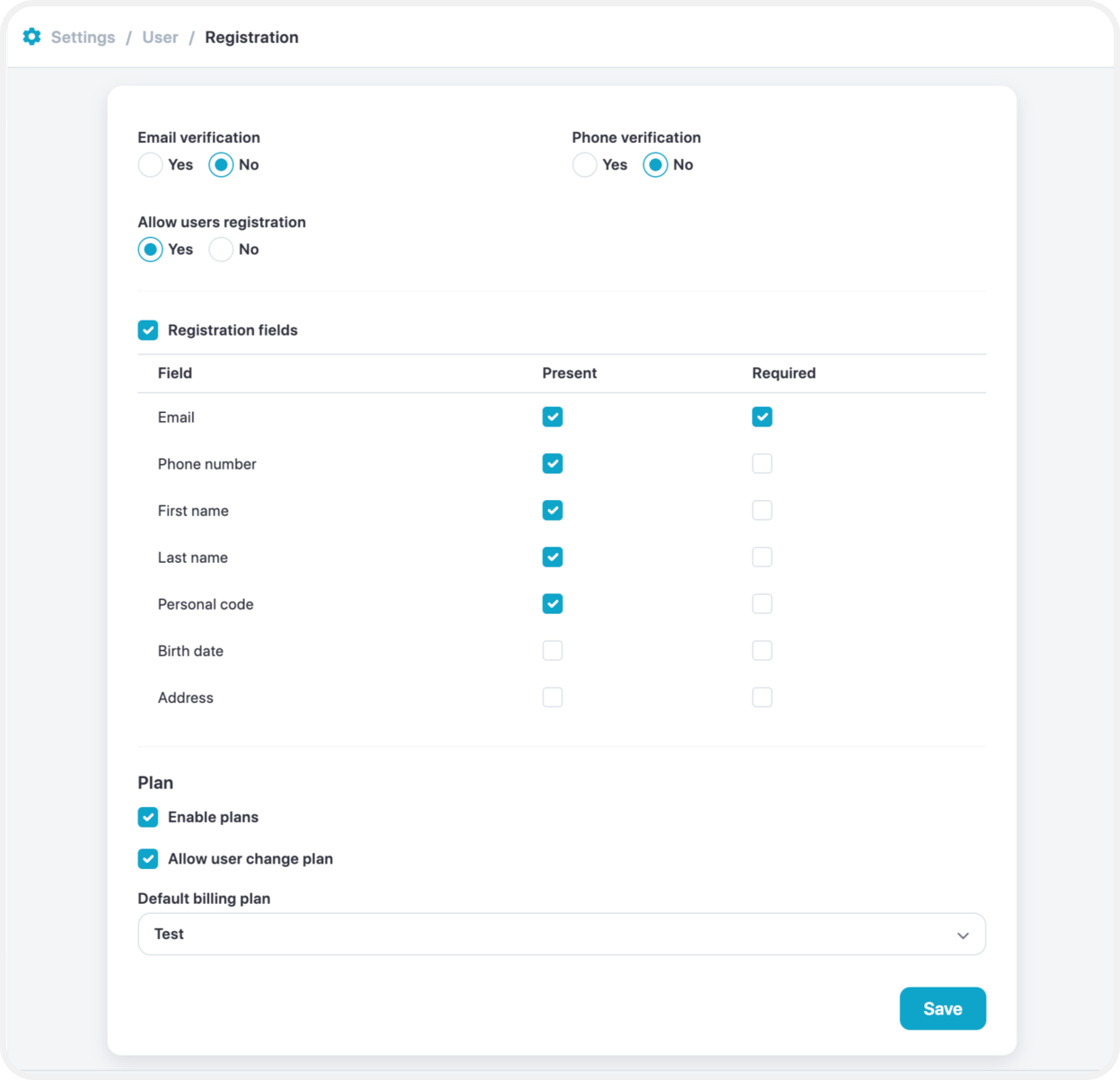
Email verification – If the option is chosen “Yes”, users will be receiving an email verification to verify their identity by email.
Phone verification – This option either turns on or off the verification through a mobile device by sending an SMS message.
Allow user registration – An option which turns on/off user registration.
Registration fields – “Present” represents which of the following field are displayed for the users to complete the registration. “Required” are field which are compulsory to enter.
Plan – With this feature plans will be enabled for the users and if chosen, users will have an option to change their plan in the future.
Default plan – A plan assigned to users by default.
SMS Gateway
This tool forwards SMS messages from the platform to a tracking device or mobile phone. It is typically used for:
- Automatically configuring GPS tracking devices
- Receiving alerts or notifications
To use this feature, an SMS gateway service must be purchased separately from a third-party provider such as Plivo, BulkSMS, or any other compatible service.
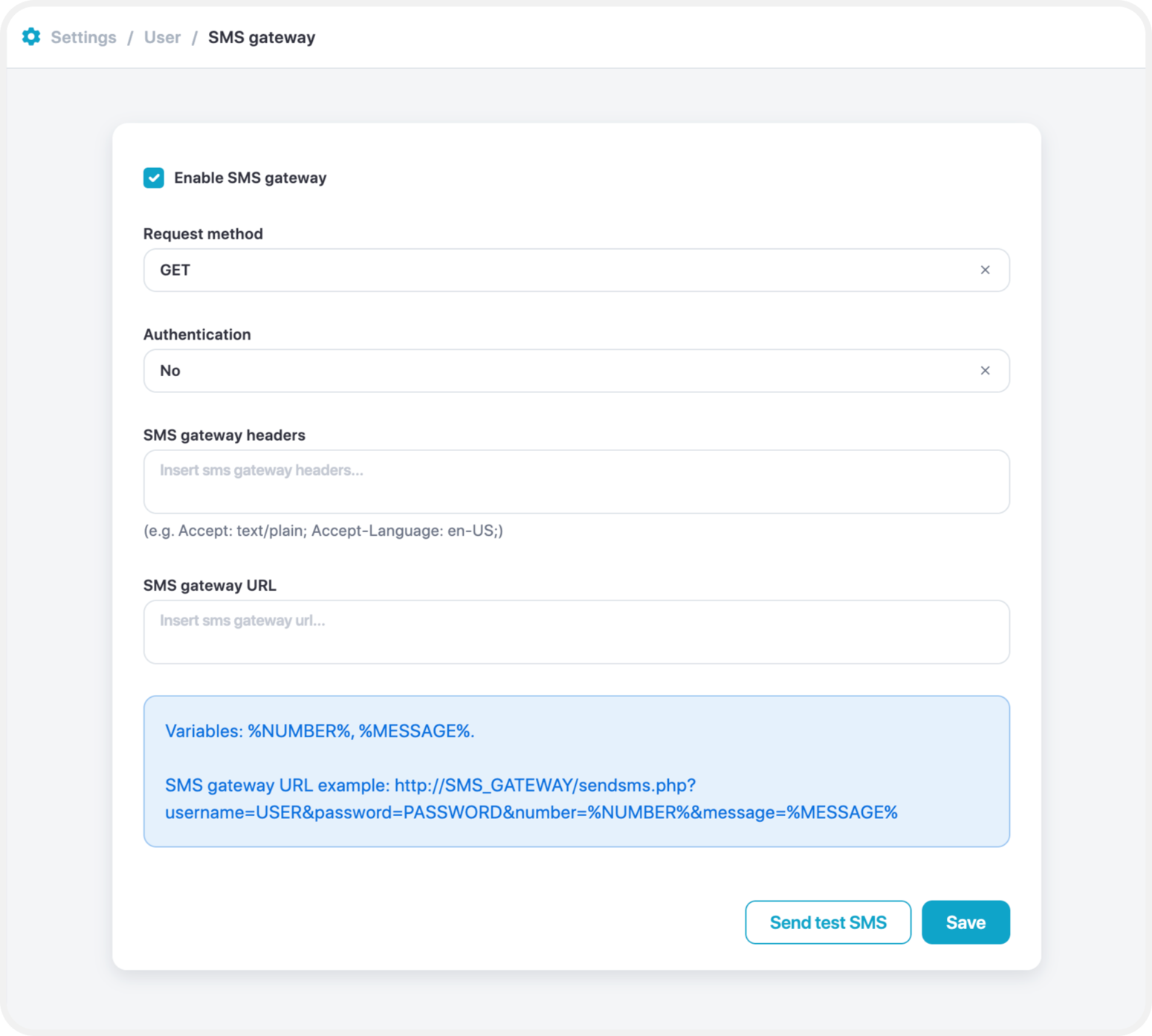
Enable SMS Gateway
Toggle this option to enable or disable the SMS gateway configured in the Admin Settings for other users.
- Enabled: Users can use the shared SMS gateway.
- Disabled: Each user must configure their own SMS gateway credentials.
Use Same Gateway for System Messages
Allows users to utilize the SMS gateway configured in the Admin Panel for sending system-related messages, such as GPS device activation or configuration alerts.
Request Method
Specifies the HTTP method used to send SMS messages.
- Supported methods: GET and POST
- Refer to your SMS gateway provider’s documentation to select the correct method.
SMS Gateway Headers
Headers required by the SMS gateway provider for authentication or content type. These must be entered as key-value pairs according to the provider’s specifications.
SMS Gateway URL
The complete endpoint URL used to send SMS messages. This should include all necessary parameters as defined by your SMS gateway provider.
SMS Templates
SMS templates are preconfigured templates which will be sent according to a service or function used. For additional functionality, you can edit any of the templates to suit the needs required.
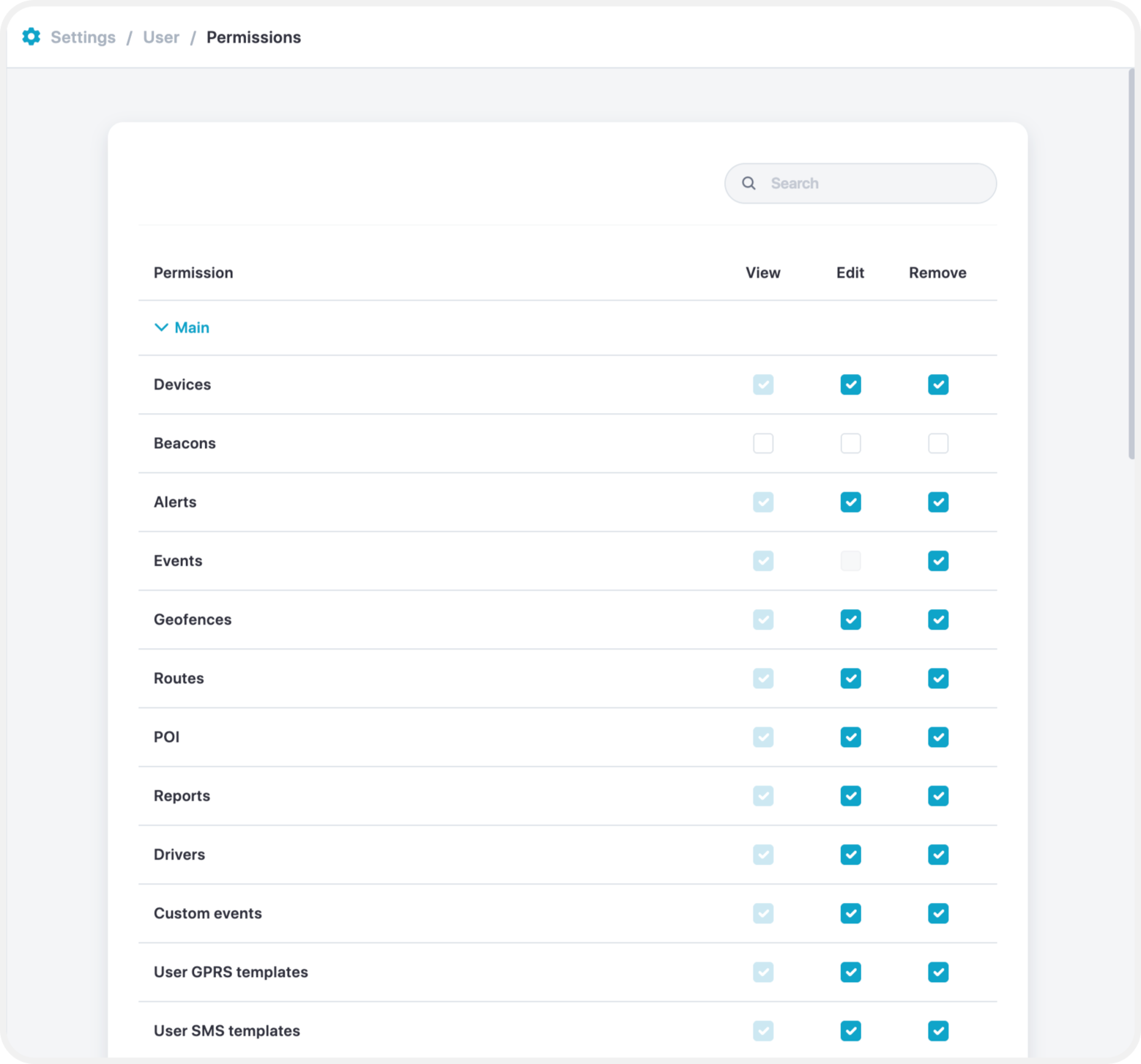
Permissions
A setting that allows admin/manager to select which features will be enabled for users.
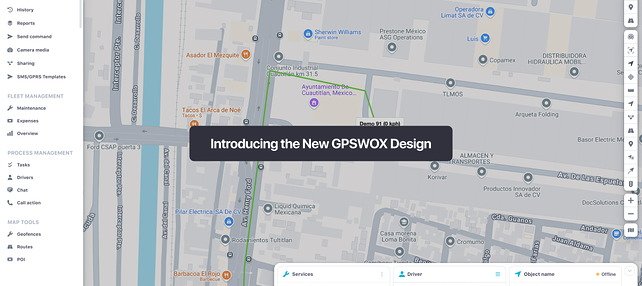
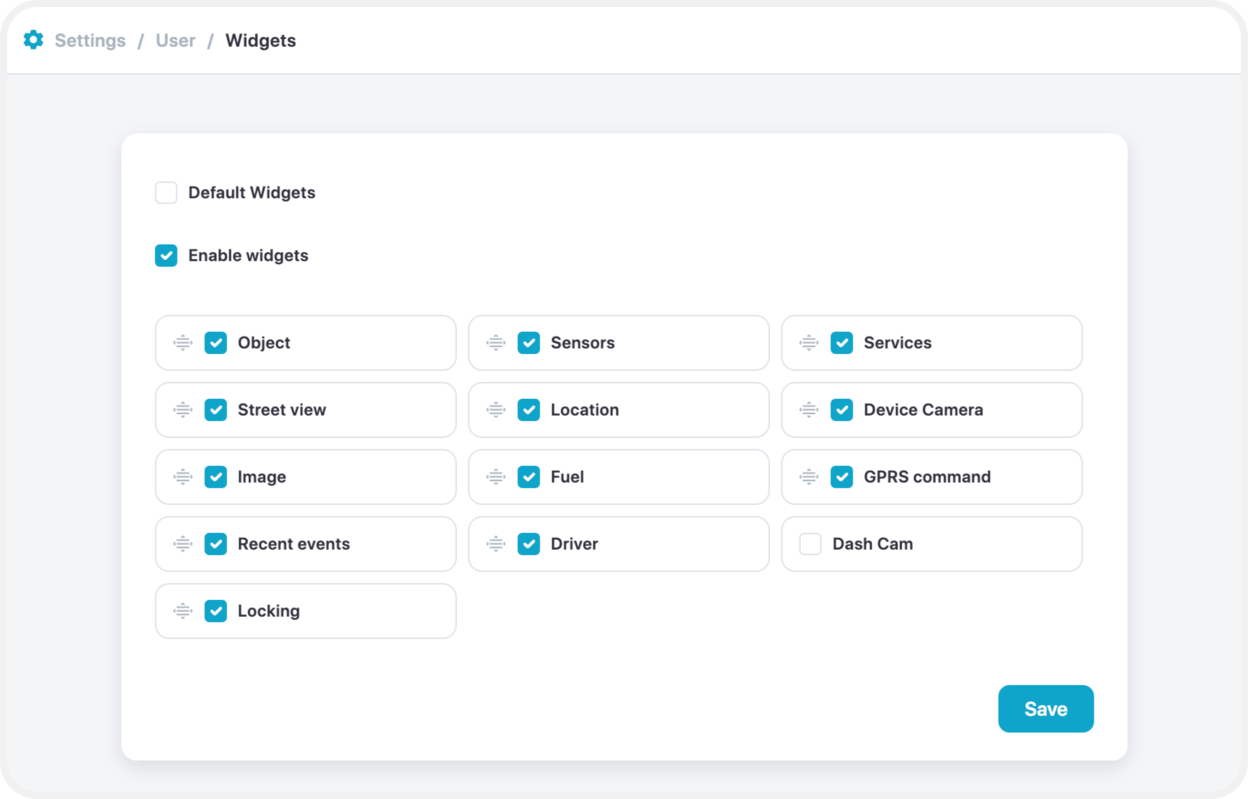
You can choose which widgets appear on your main map by going to Admin Settings > Widgets.
To add or remove widgets, disable the “Default Widgets” option, then customize the widget list as desired.
Secondary Credentials
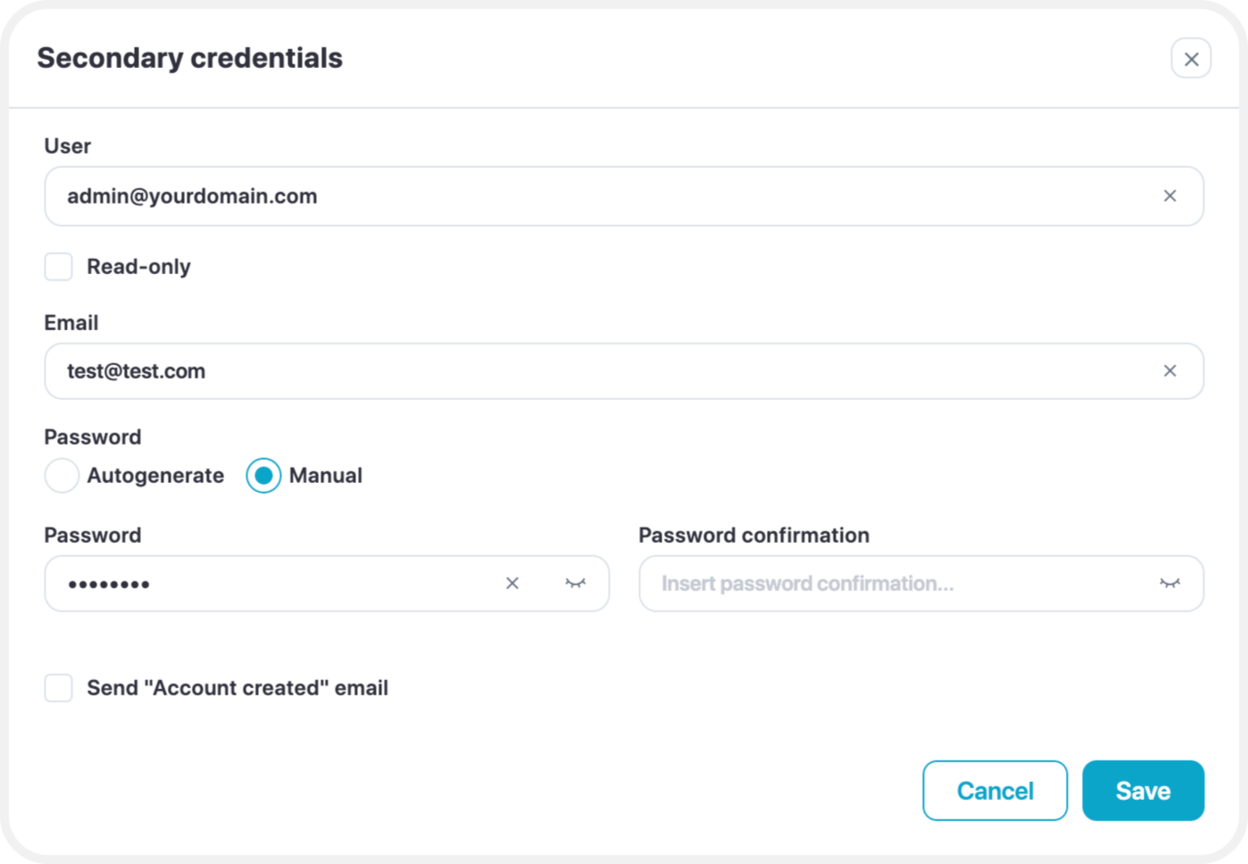
Secondary Credentials allows to set up an email address to login into the selected user.
For e.g. with [email protected], the user will be logged in to the [email protected] account.
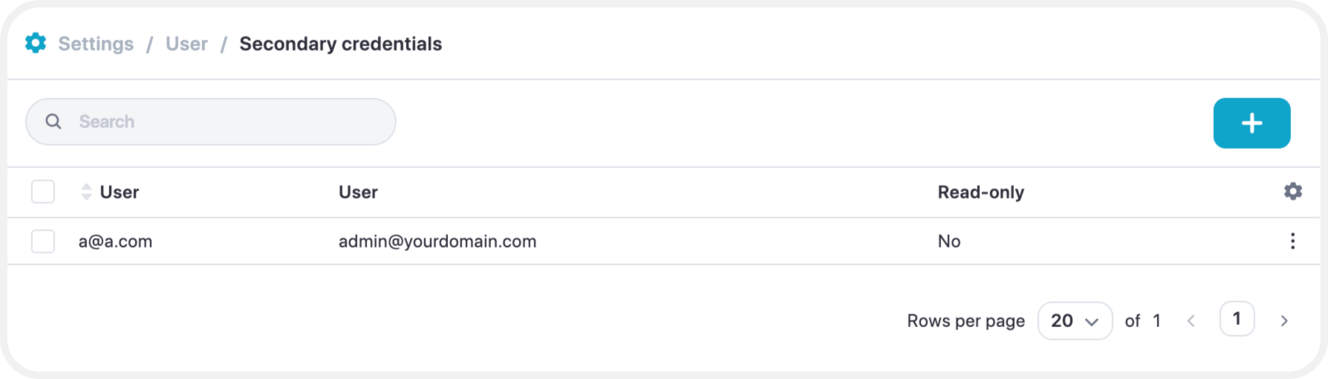
To set up secondary credentials enter the user affected, choose if it is Read-Only. Then you will need to enter a secondary email address, choose if the password will be auto generated or typed in manually, also, select whether an email will be sent on the account creation.