

 Back
Back















6. Device Management
Device Management
Object popup
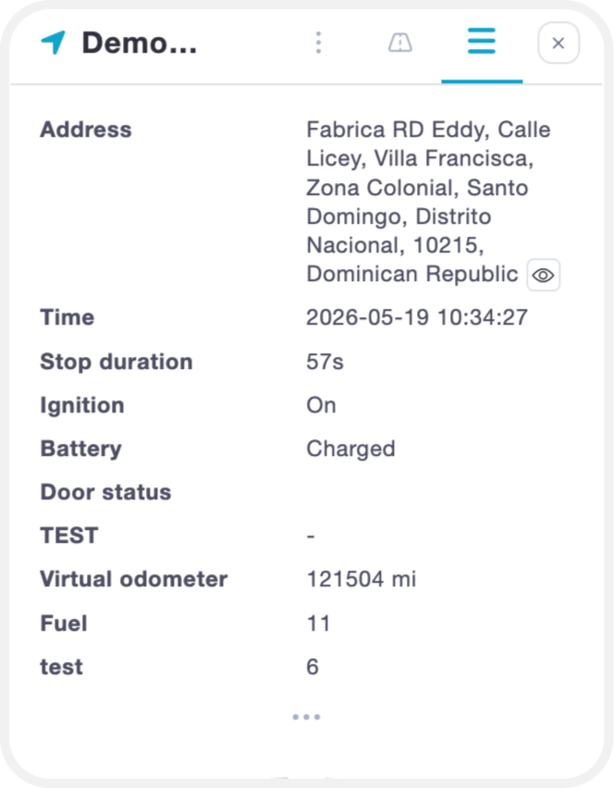
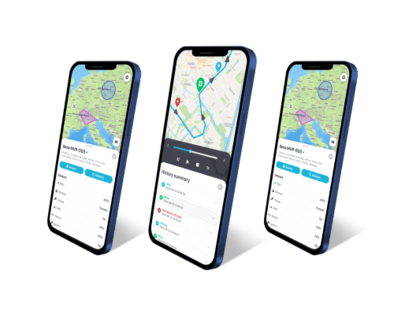
In the minimized popup window, you can view basic device information and key sensor data at a glance.
To access detailed information, click "Show More". This will display all available data for the selected device, including:
- Sensor readings
- Active services
- Additional parameters
To view or manage the specific parameters your device is sending, please refer to the Sensor Management section of the manual.
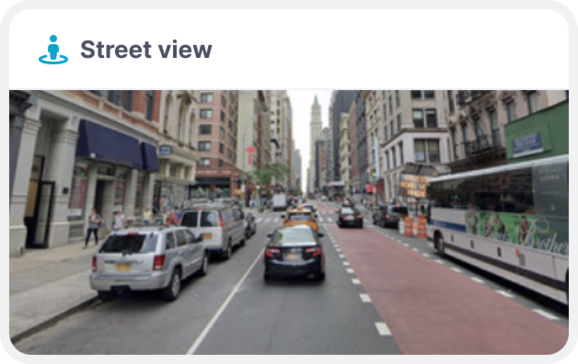
It is also possible to use "street preview" while monitoring your device. This window will refresh automatically once your device is moving, so you can "street preview" in real time.
Object quick tools
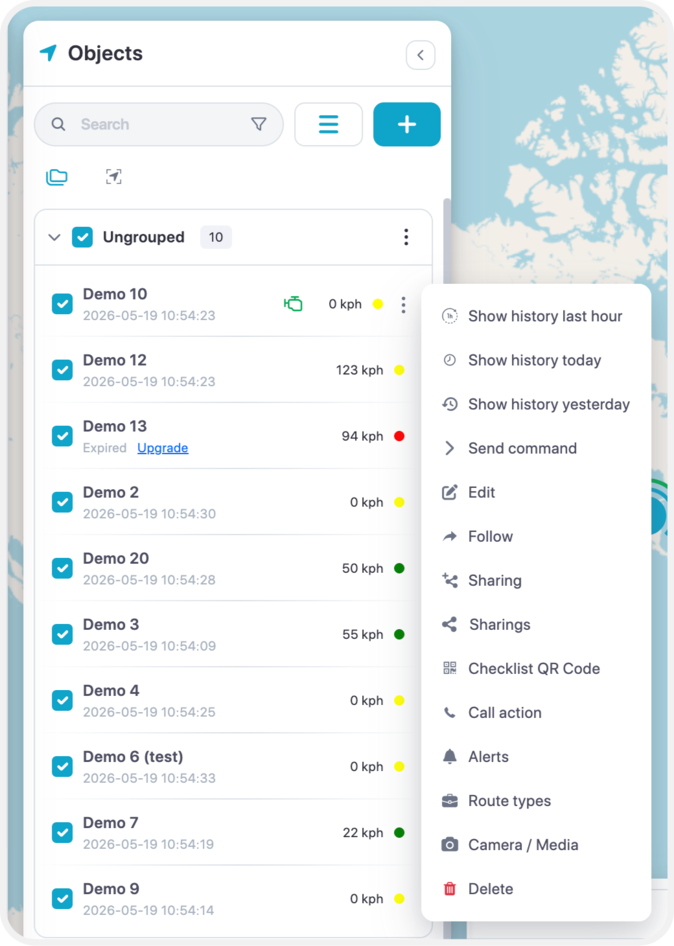
- 1. Show history - this will instantly show history of the object for most common selected period.
- 2. Send command - quick access to send command to the device via gprs or sms.
- 3. Edit – Allow to edit the device name, IMEI, accuracy, change icon, add services and much more.
- 4. Follow - new window will appear where you will be able to monitor each object individually, you can open multiple windows at the same time.
- 5. Sharing – Allows to share device’s location with the map with others via generated link.
- 6. Call Action – Adds the ability to add a description to every event. Why the events occurred.
- 7. Alerts- Creation of alerts.
- 8. Route Types – Allows to choose a timeline with a route type such as; Private/Business.
- 9. Camera/Media – View images taken by the camera.
- 10. Delete – Deletes the device entirely.
Edit - Main
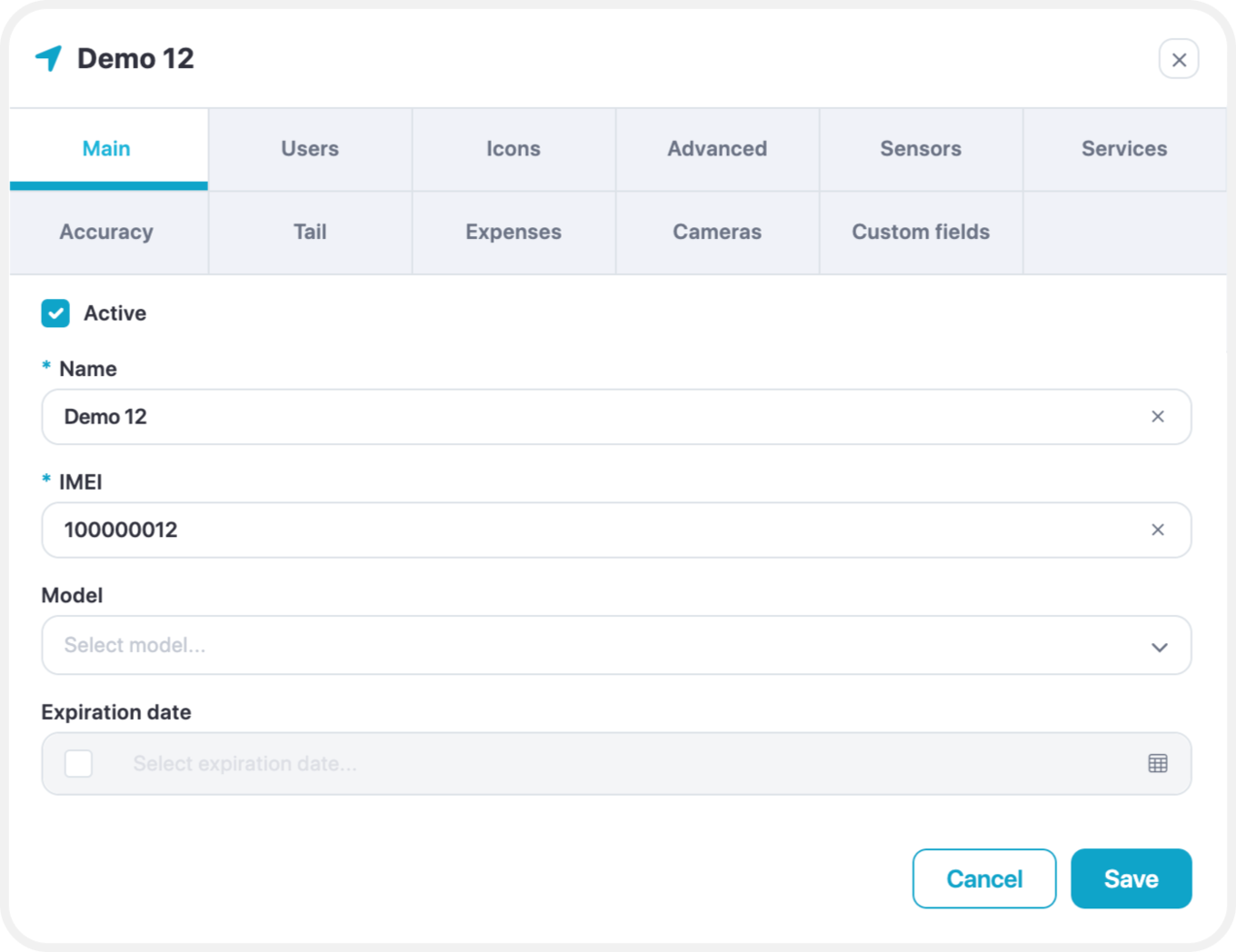
To add a new device, only two fields are required:
- Device Name
- Device IMEI or Identifier
Both the name and IMEI/identifier can be edited at any time after the device has been added.
Edit – Users
Allow you to select the users by checking the box to give access to the device.
Edit – Icons
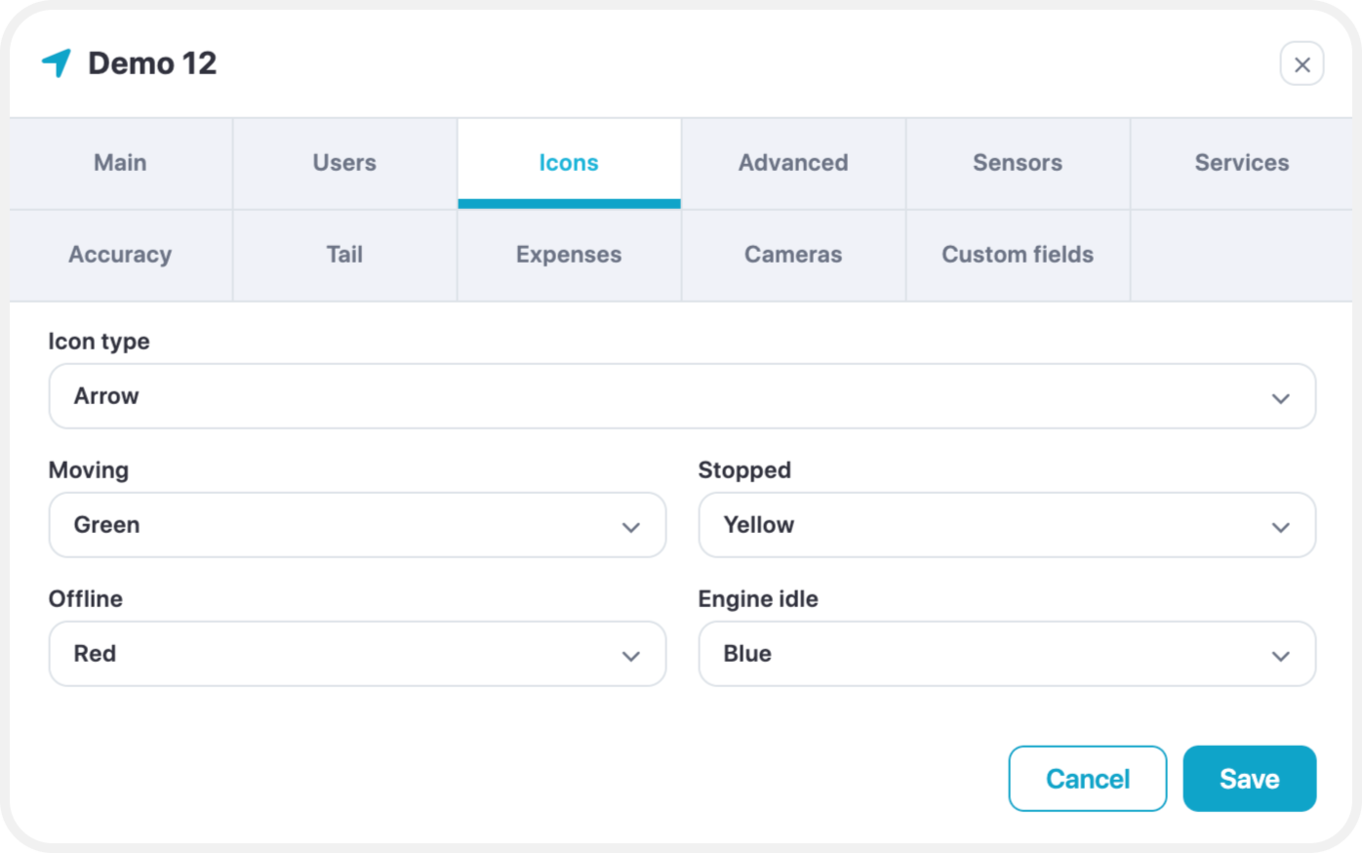
Icon Type Options
You can choose how devices are visually represented on the map using the Icon Type setting. There are three options available:
- Arrow (Default & Recommended)
Displays an arrow indicating the direction of movement and color-coded status:- Green – Moving
- Yellow – Engine Idle
- Red – Stopped or Offline
This option provides the most detailed status and is recommended for real-time monitoring.
- Rotating Icon
Shows a top-down vehicle icon that rotates based on the device’s direction of travel. - Simple Icon
Displays a basic static icon without directional indicators or status colors.
Arrow Icon Statuses
When using the Arrow icon type, the device can display one of four states:
- Moving
The device is in motion, with a speed greater than the minimum moving speed set in
Edit → Accuracy → Min. Moving Speed. - Stopped
The device is stationary, with a speed lower than the minimum moving speed threshold. - Offline
The device has not sent data to the server for 5 minutes or more, or is disconnected from the GPS server. - Engine Idle
Indicates the engine is on, but the device is not moving.
To enable this status:- Add a sensor for Ignition On/Off or Engine On/Off.
- Go to Edit → Accuracy → Engine Hours, and switch the source from GPS to the added sensor.
Edit - Advanced
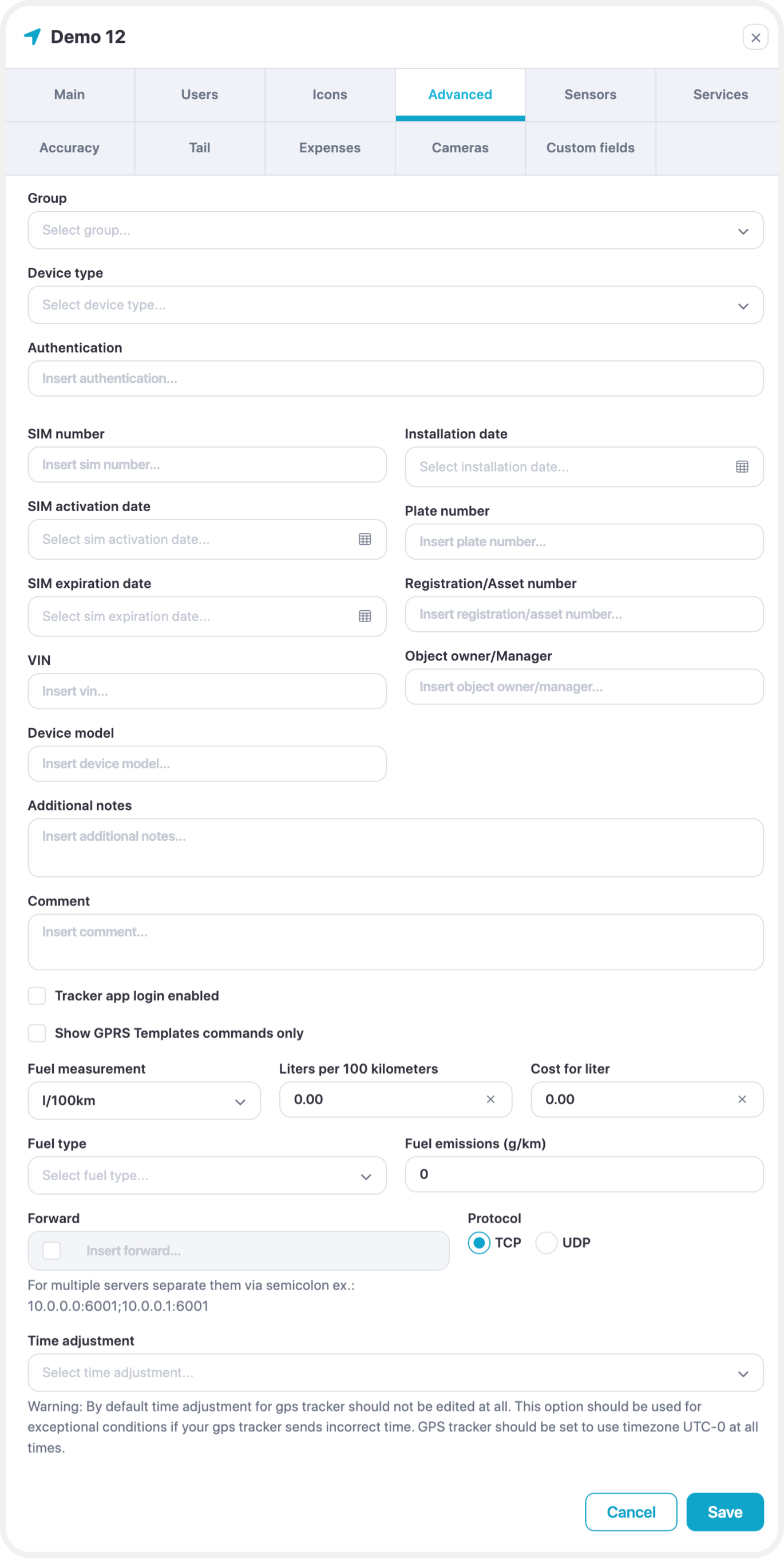
These advanced settings allow for greater control over how your GPS device communicates and how data is interpreted within the platform.
- Show GPRS Template Commands Only
When enabled, only custom GPRS commands will be available for your device under
Tools → Send Command.
GPRS templates can be created and managed in Settings → GPRS Templates. - Fuel Measurement (Manual Input)
If your GPS device does not have a fuel sensor connected, you can manually enter fuel consumption values here. These values will be used in history and reports for approximate fuel calculations. - Forward
This option allows the platform to forward raw device data to a specified IP address and port, using either UDP or TCP protocols. Useful for integration with external systems or backup data storage. - Time Adjustment
Manually adjust the time for the selected GPS device.
This setting should only be used if you are unable to configure the device’s timezone to UTC+0, which is the platform’s default. - Fuel Information
Define the fuel type, along with related details such as:- Emissions
- Cost per unit
- Measurement units
- Fuel consumption (liters per kilometer)
These settings help provide more accurate reporting and cost analysis.
Edit - Sensors
Please check our sensor management page for detailed documentation.
Edit - Services
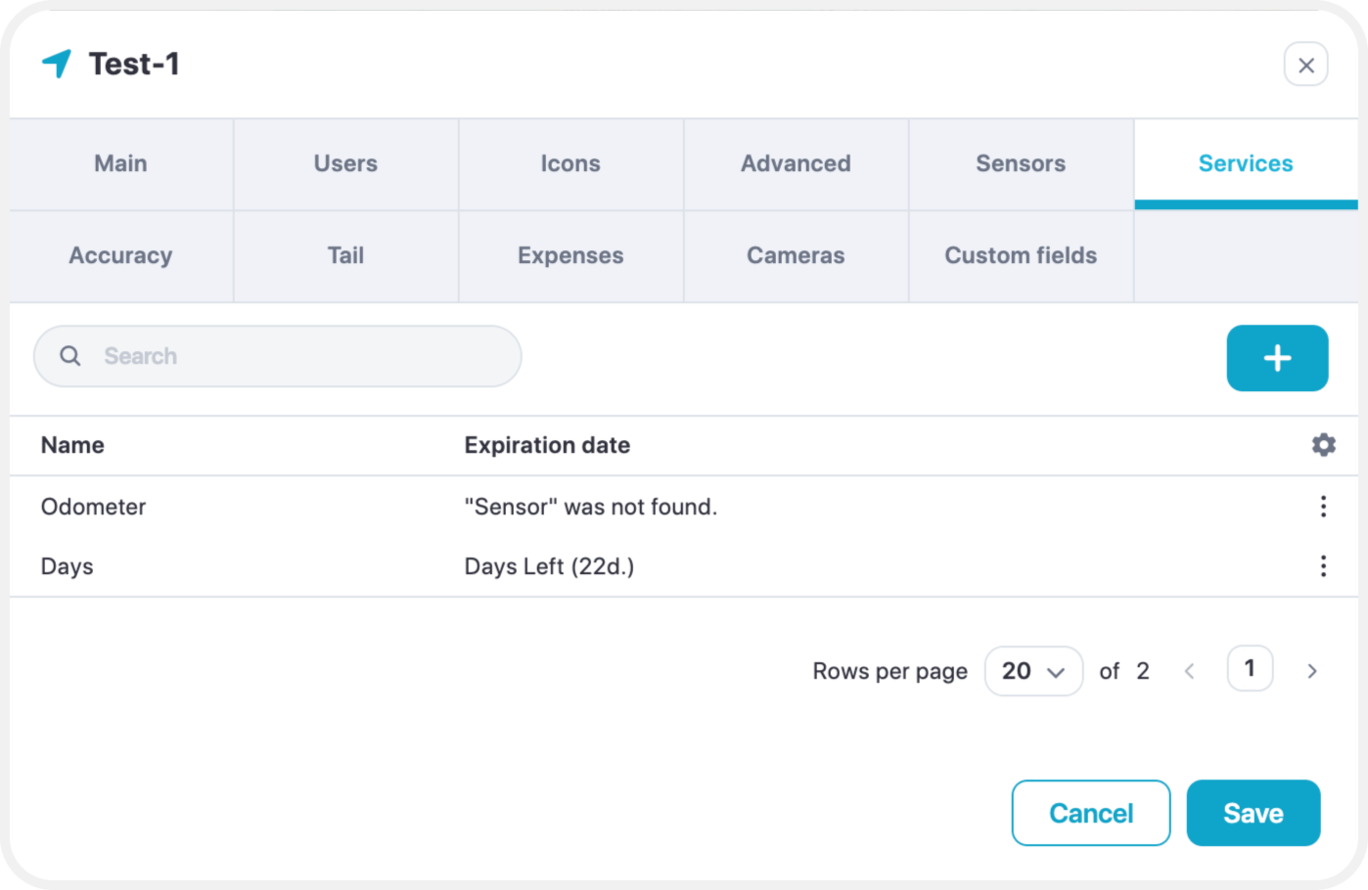
Services are used to monitor insurance, technical maintenance, oil change, car parts deprecation, etc.
Edit - Accuracy
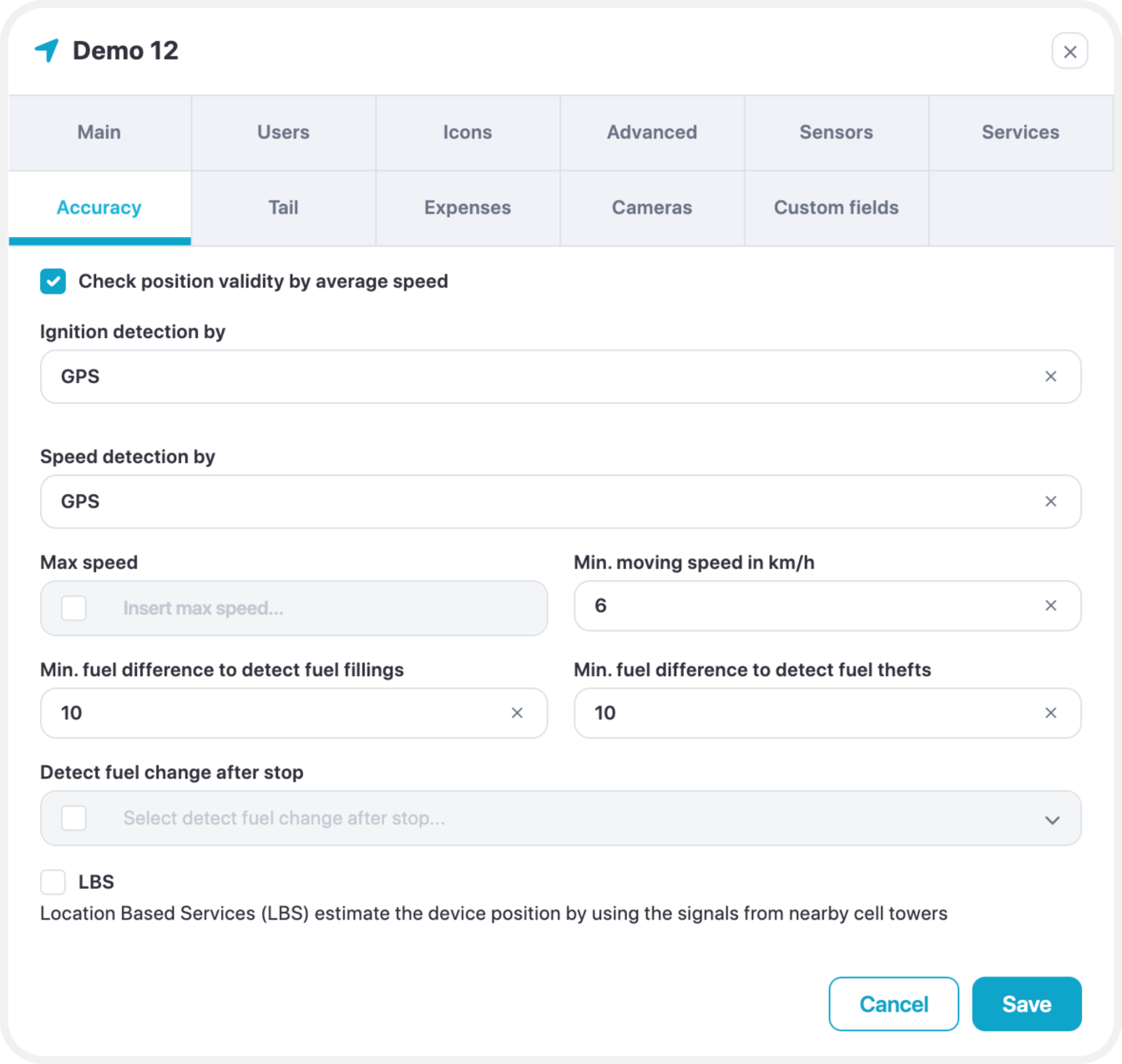
Engine Hours
The default source for engine hours is GPS. However, if your GPS tracker is connected to an ignition or engine sensor, it is highly recommended to select that sensor here.
When using a sensor:
- The platform will ignore unnecessary history data (e.g., drifting when ignition is off).
- Engine hours, distance, and events such as geofence triggers or overspeed alerts will only be recorded when the ignition is on.
This ensures more accurate tracking and reporting.
Minimum Moving Speed
Movement will only be registered if the device speed is above this threshold.
Speeds below this value will be considered as stopped or stationary.
Minimum Fuel Difference to Detect Fuel Fillings
A sudden increase in sensor value by 10 units or more will be registered as a fuel filling event.
Minimum Fuel Difference to Detect Fuel Thefts
A sudden decrease in sensor value by 10 units or more will be registered as a fuel theft event.
Edit - Tail
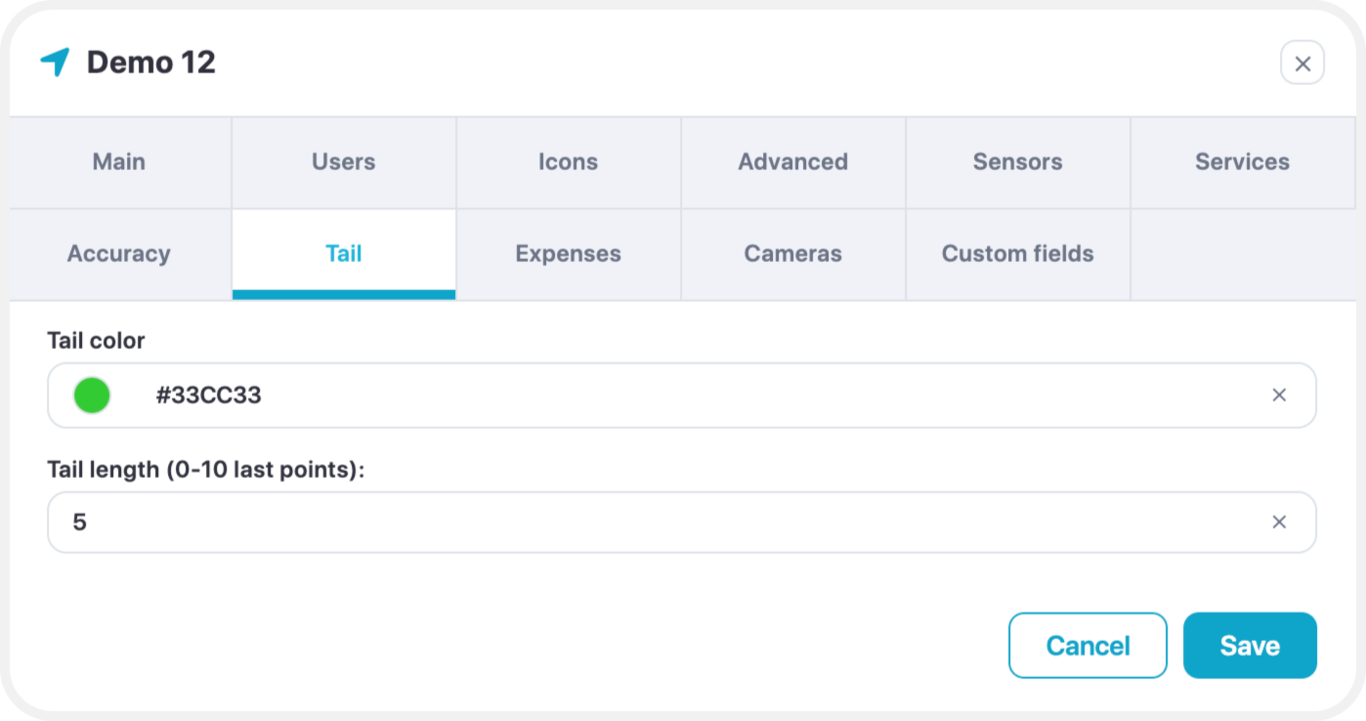
- Tail color - select color of the object tail
- Tail length - how long is the tail
Edit – Expenses
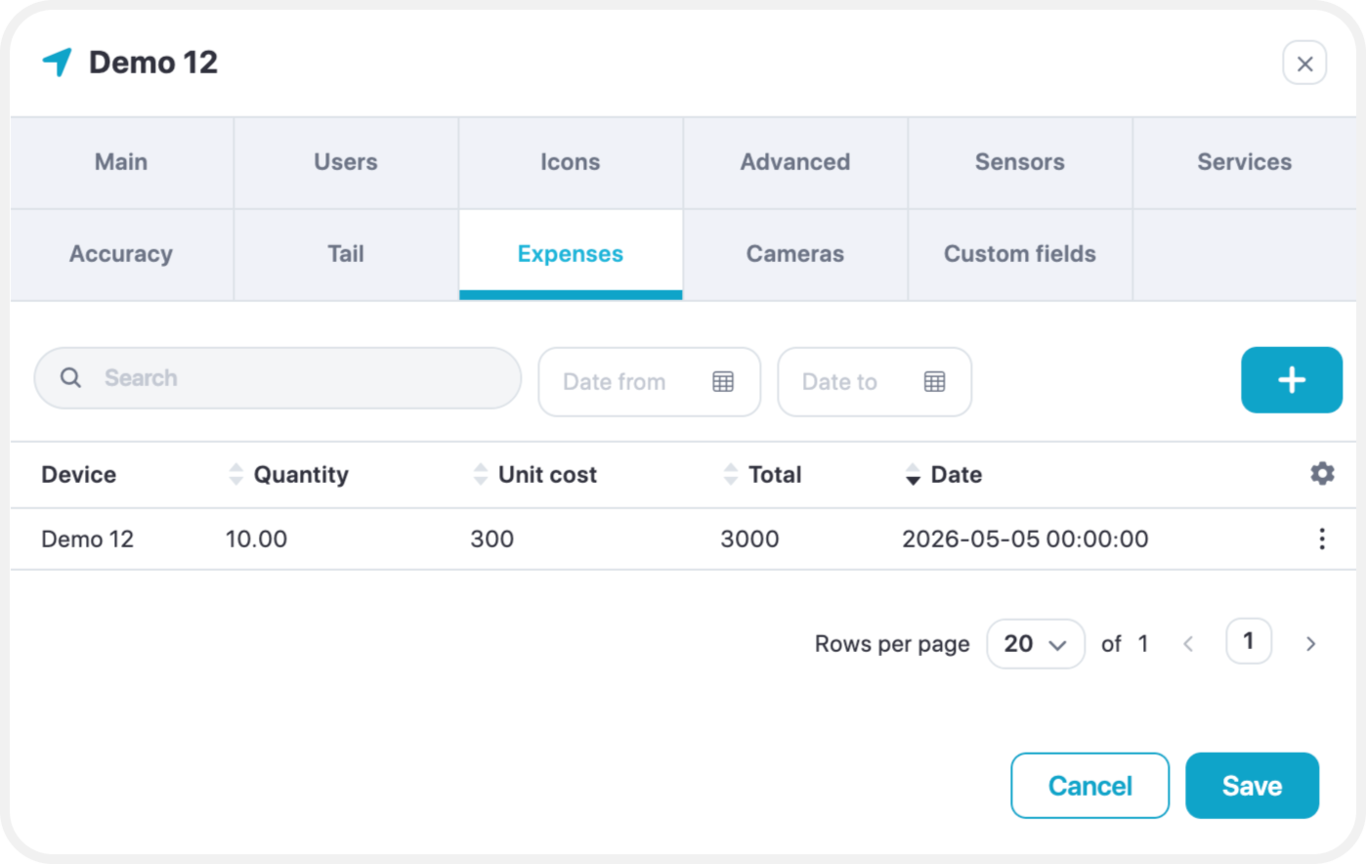
Adds expenses for the device.
Edit – Cameras
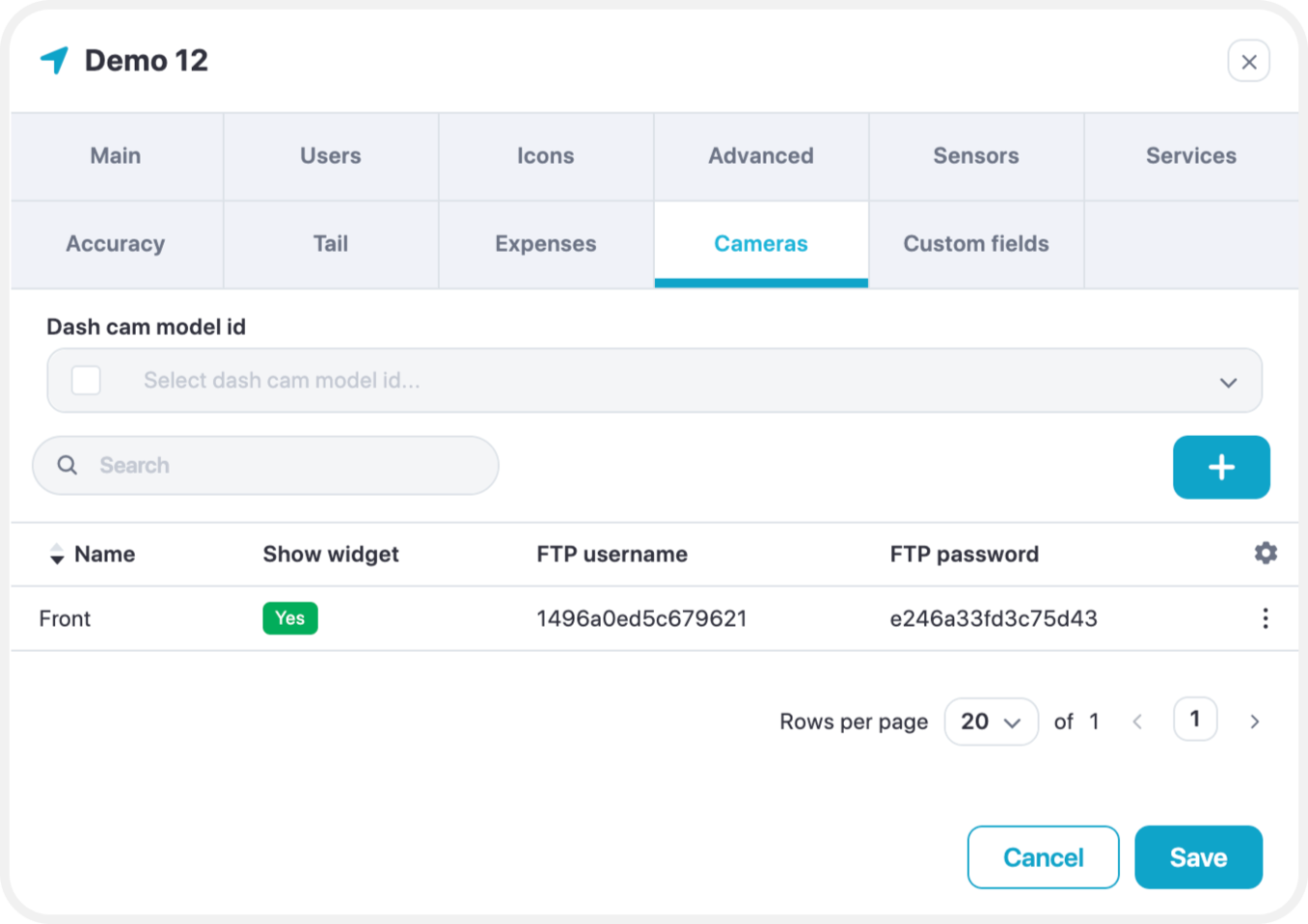
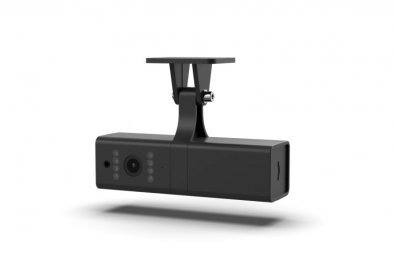
Allows to add an FTP connection to access the camera’s content (Images/Snippets of Video footage)