

 Back
Back
















7.7 Tasks
This tool allows you to create and manage tasks, such as deliveries that can be assigned to objects directly through the mobile GPS tracker application.
To create a new task, go to Settings > Tasks.
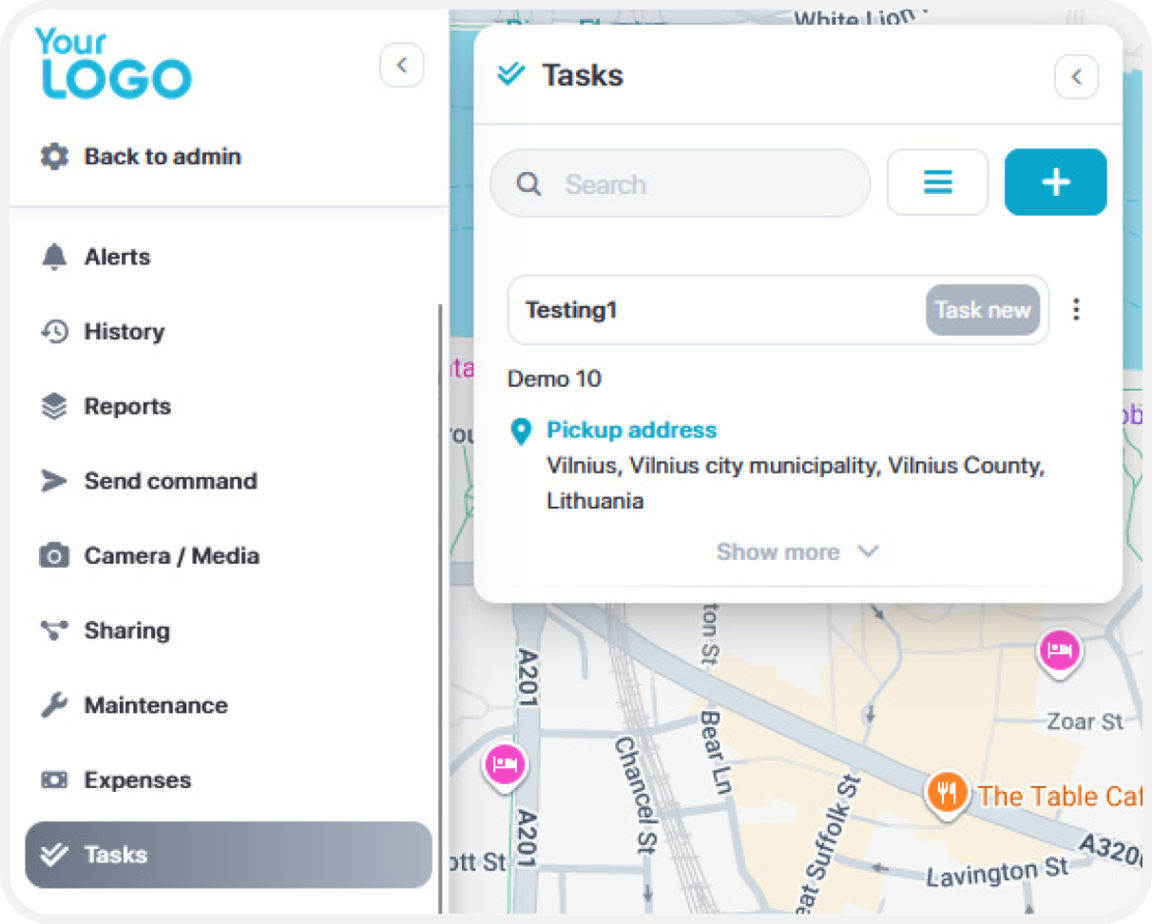
A new window will appear prompting you to enter the required details for the task. These include:
- Task Name
- Pickup Address
- Delivery Address
- Priority Level
- Description
- Assigned Object (the vehicle or device the task is assigned to)
Fill in the necessary fields to define the task before saving.
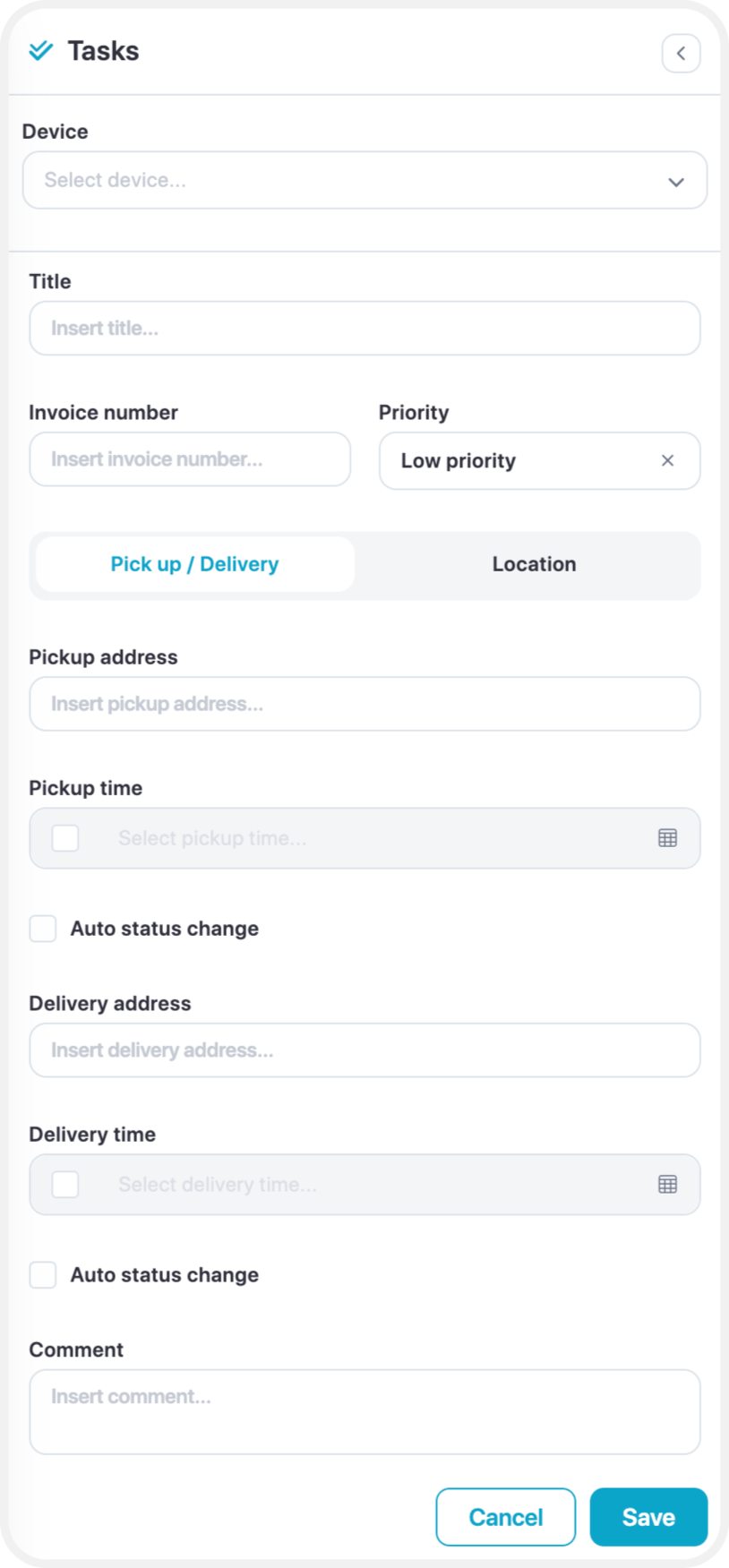
Once all required information has been entered, click "Save" to create the task.
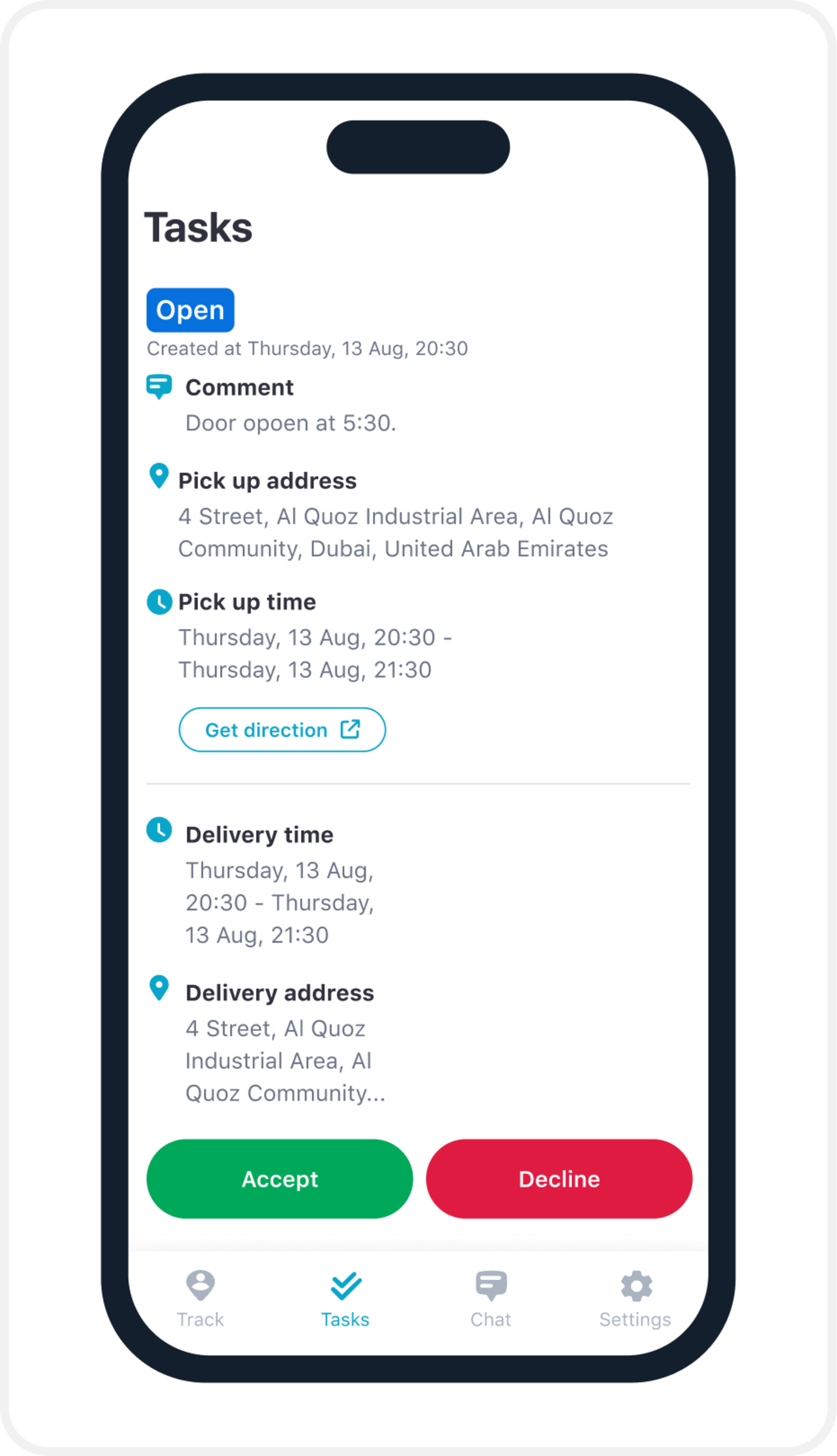
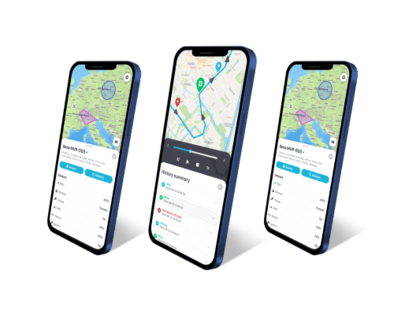
Next, open the mobile GPS tracker application.
Navigate to the Tasks section, where you will see the list of tasks assigned to the selected object.
To begin the task, tap "Accept".
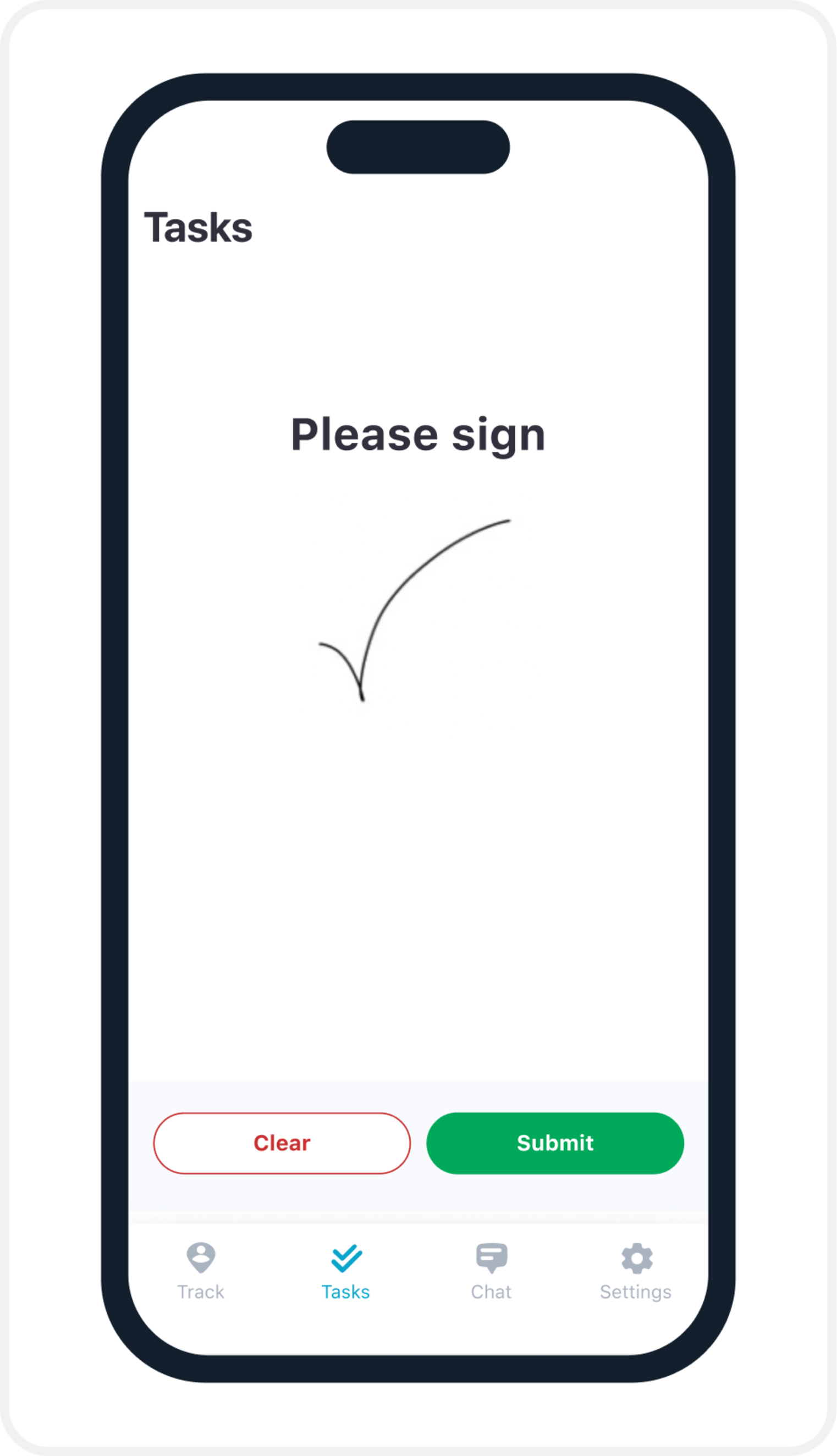
Once the task is completed, you will have the option to provide a signature as confirmation of task completion.
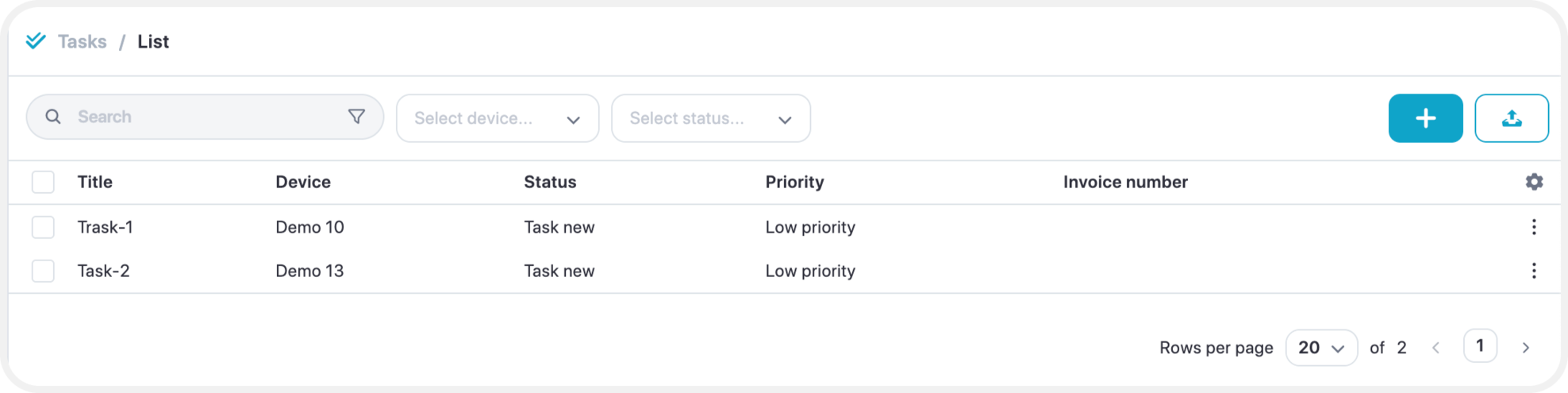
To view the status of all created tasks, select the “All Tasks” option within the Task feature on the web platform.
From there, you can also review the signatures for completed deliveries.