

 Back
Back
















4.2. Creating & activating mobile phone
User manual
1. Getting started
2. Workspace overview
3. My account
4. Creating & Activating Tracker (Manually)
4.1 Creating & Activating Tracker (Automatically)
4.2. Creating & activating mobile phone
5. Sensor Management
6. Device Management
7. Tools Overview
7.1 Tools Alerts
7.2 Geofences
7.3 Reports
7.4 Send Commands
7.5 POI
7.6 Camera_Media
7.7 Tasks
7.8 Maintenance
7.9 Overview Feature
7.10 Sharing
8. Widgets
Admin manual
1. Navigate to GPSWOX.COM and create your account for free.
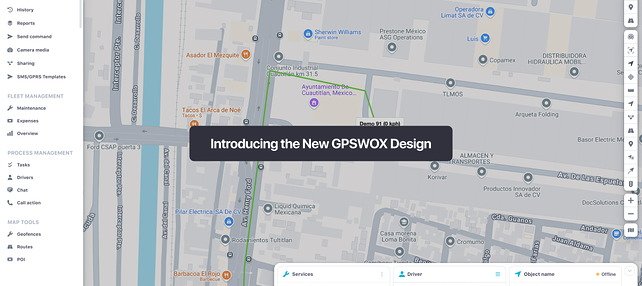
2. In the web platform press the "+" button to add a new device.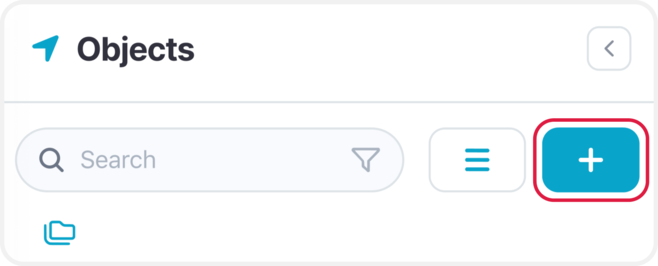
2. In the web platform press the "+" button to add a new device.
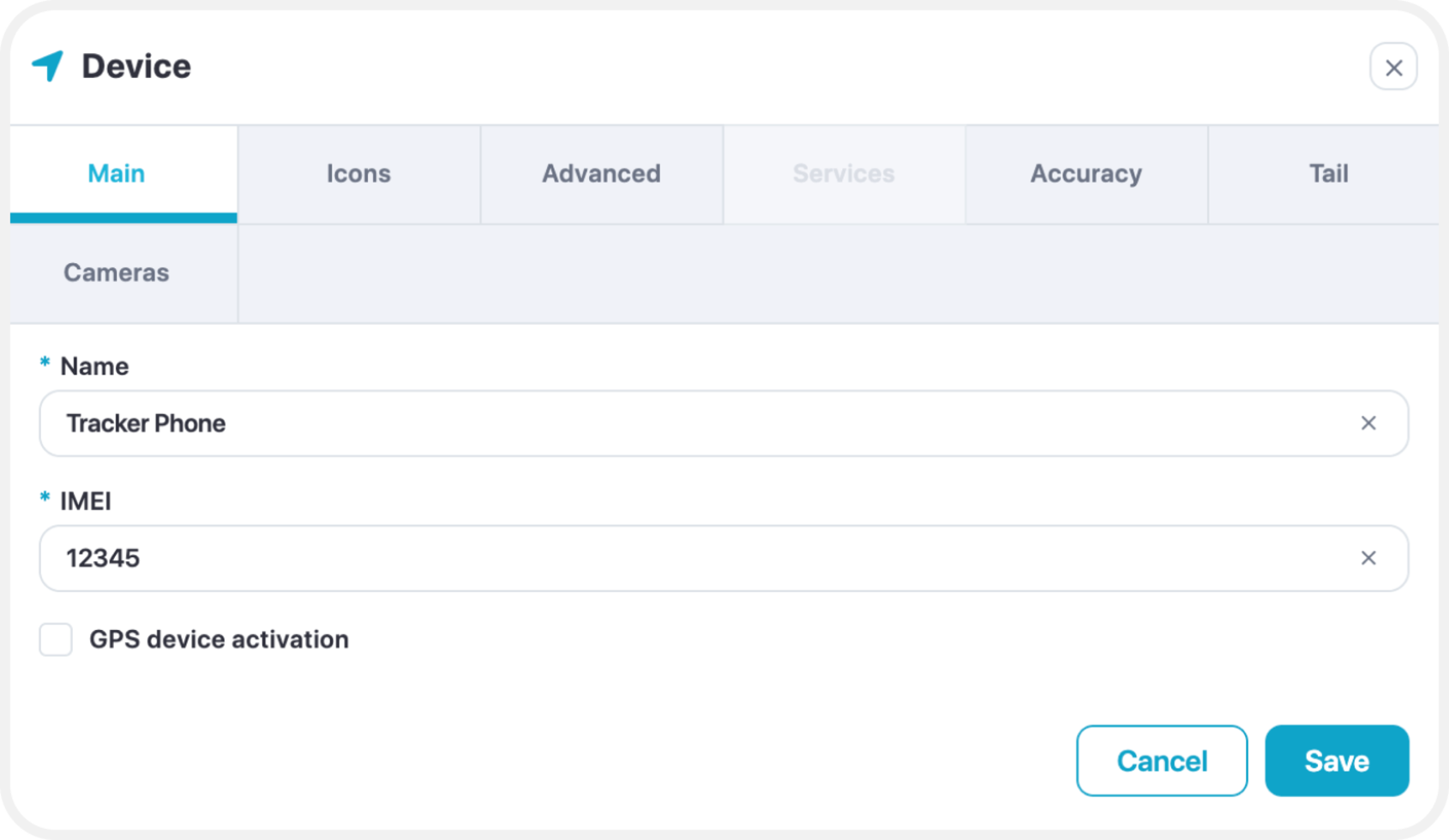
3. Give the device a name (For example: "Tracker App")
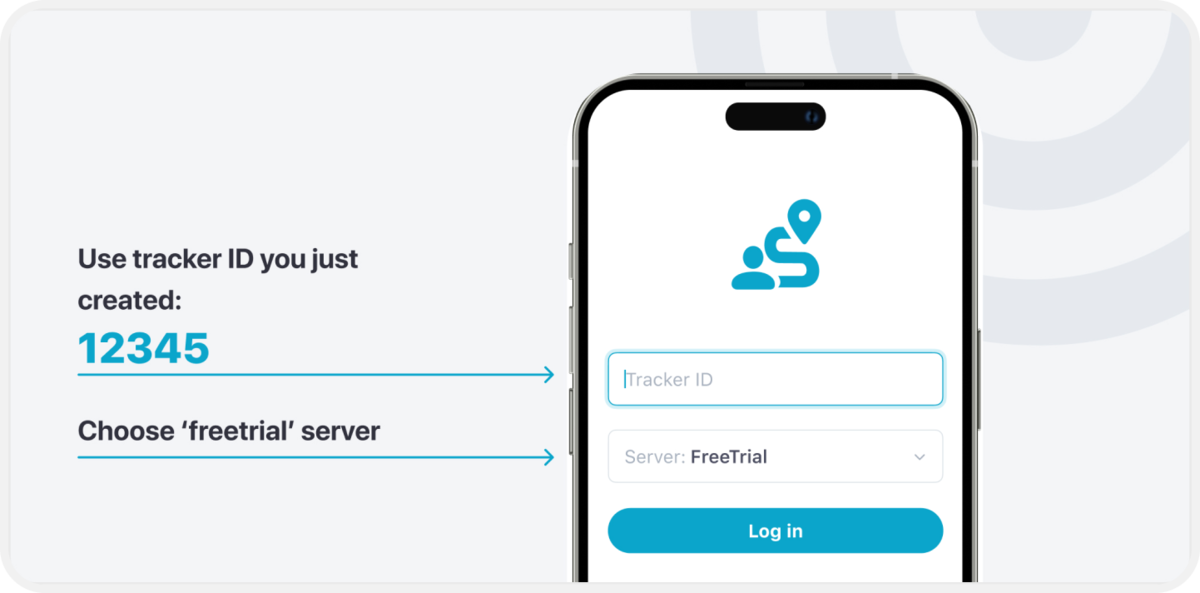
4. Create a Tracker ID, which can contain any characters. (This Tracker ID will be used for logging in to your Tracker Application, example: track123).
5. Download the Tracker application from the App Store:
Android - Google Play store
iOS - Apple App store
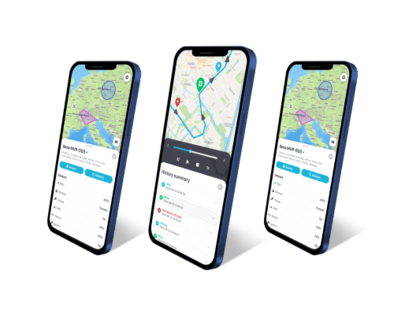
6. Log in to the Tracker application with the Tracker ID you created on the web platform.
7. After logging in make sure to allow location access.
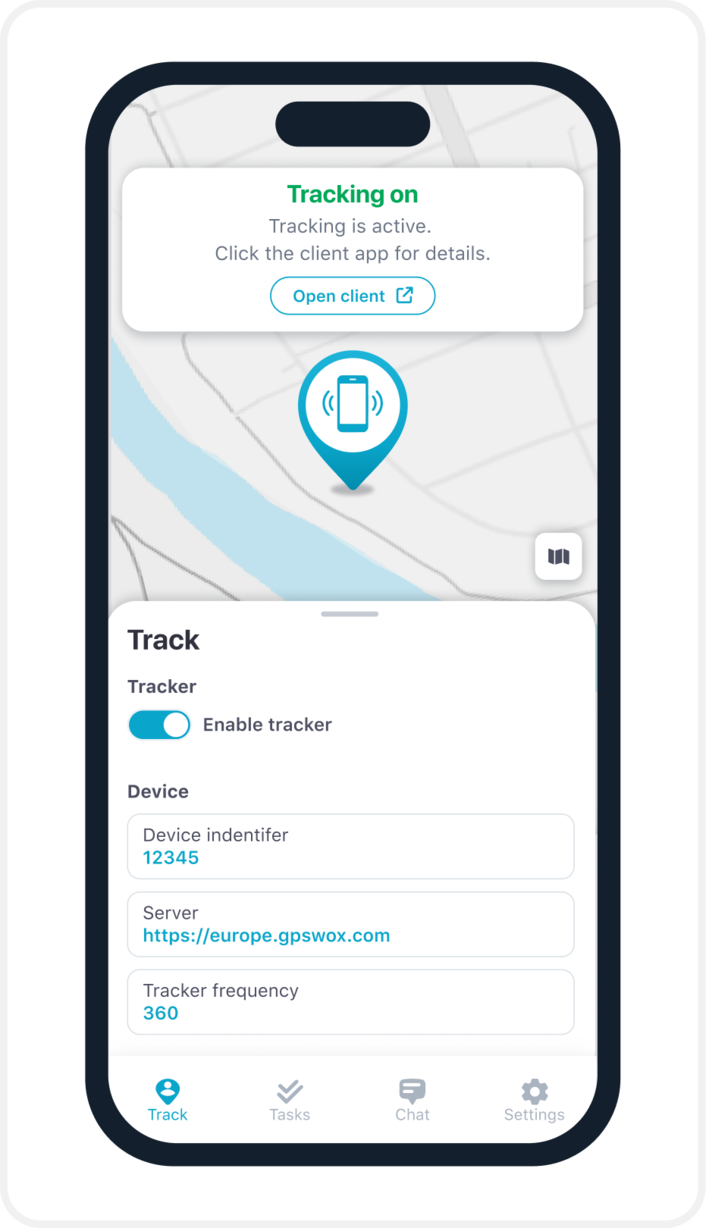
8. Go to the in-app settings and press the "Enable Tracker" switch to start tracking.
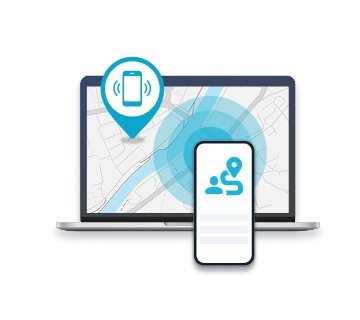
9. Check the web platform. In a few minutes (depending on your frequency rate) you'll see the location of your phone on a map