

 Back
Back
















7.6 Camera_Media
Camera/Media tool

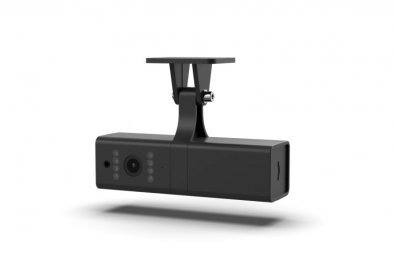
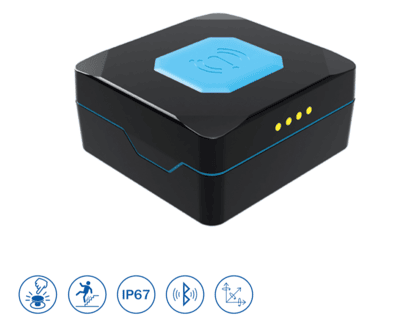
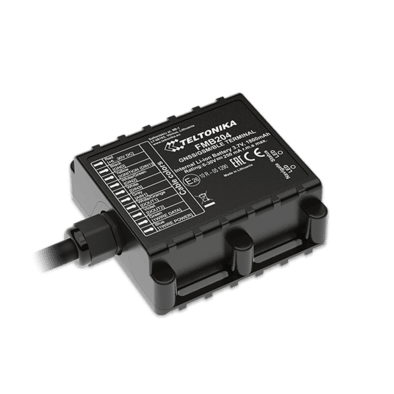
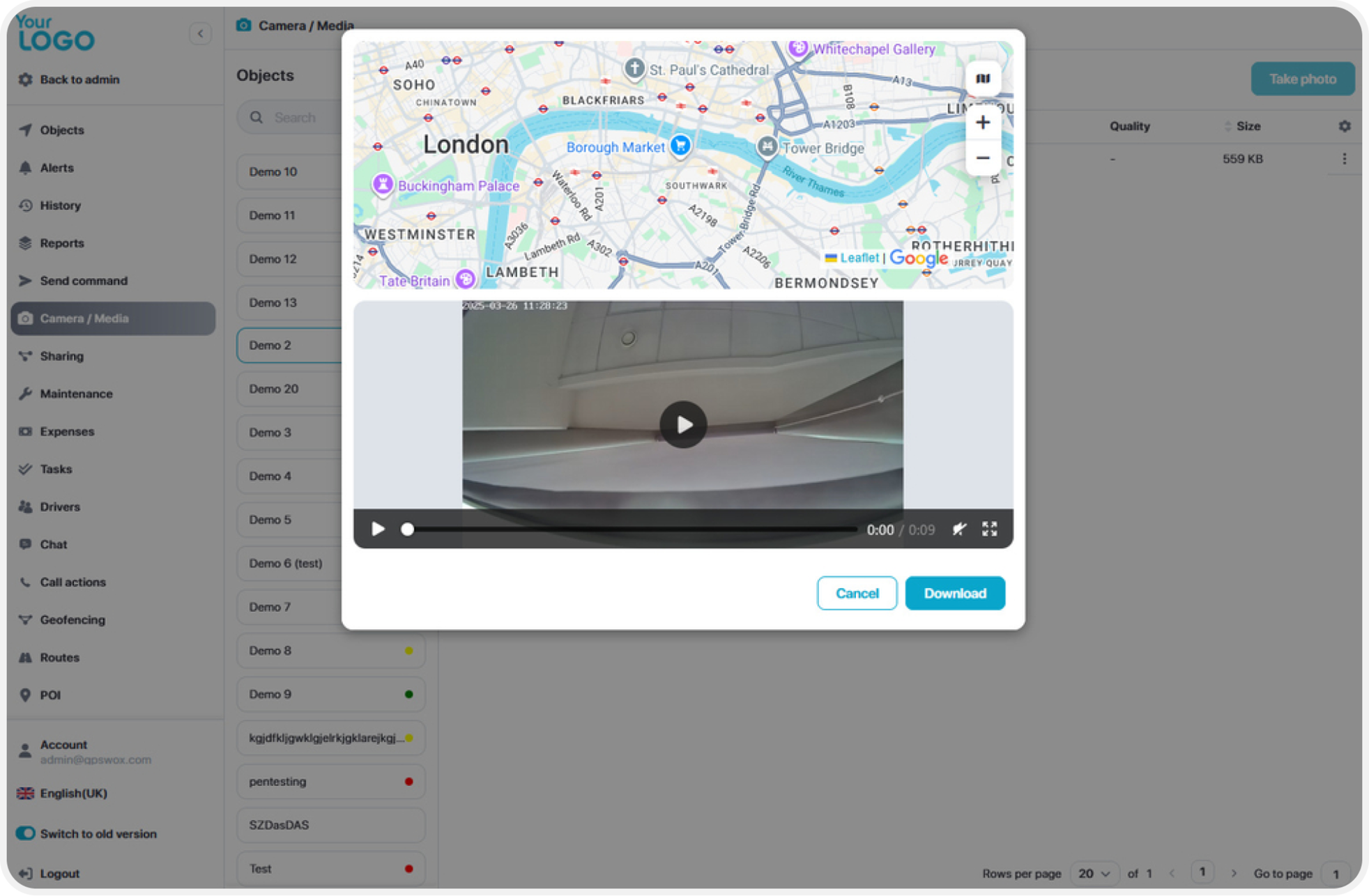
This tool allows you to capture images from any GPS tracker equipped with a camera. In the interface, you can:
- View a list of all trackers with connected cameras
- Select a specific camera by its ID (useful if multiple cameras are attached)
- View captured photos
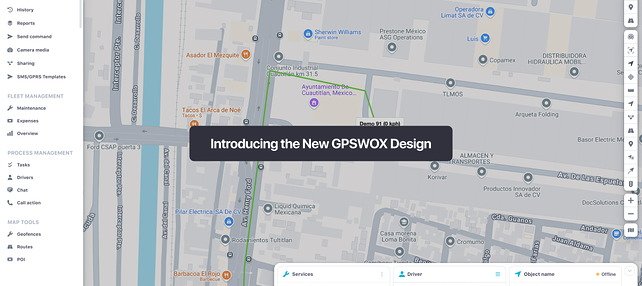
- See the location on the map where each photo was taken
- View the address corresponding to the photo location
To access this tool, navigate to Settings > Camera/Media from the main menu.
Camera/DVR tool
If your GPS tracker does not support a built-in camera, or if you wish to use a different camera installed in the vehicle, regardless of the GPS tracker model, this tool can help.
Once one or more IP cameras are connected in the vehicle, the system will automatically match GPS coordinates with the camera footage based on the closest available date and time.
To begin setup:
Go to Edit Device > Cameras > Add Camera
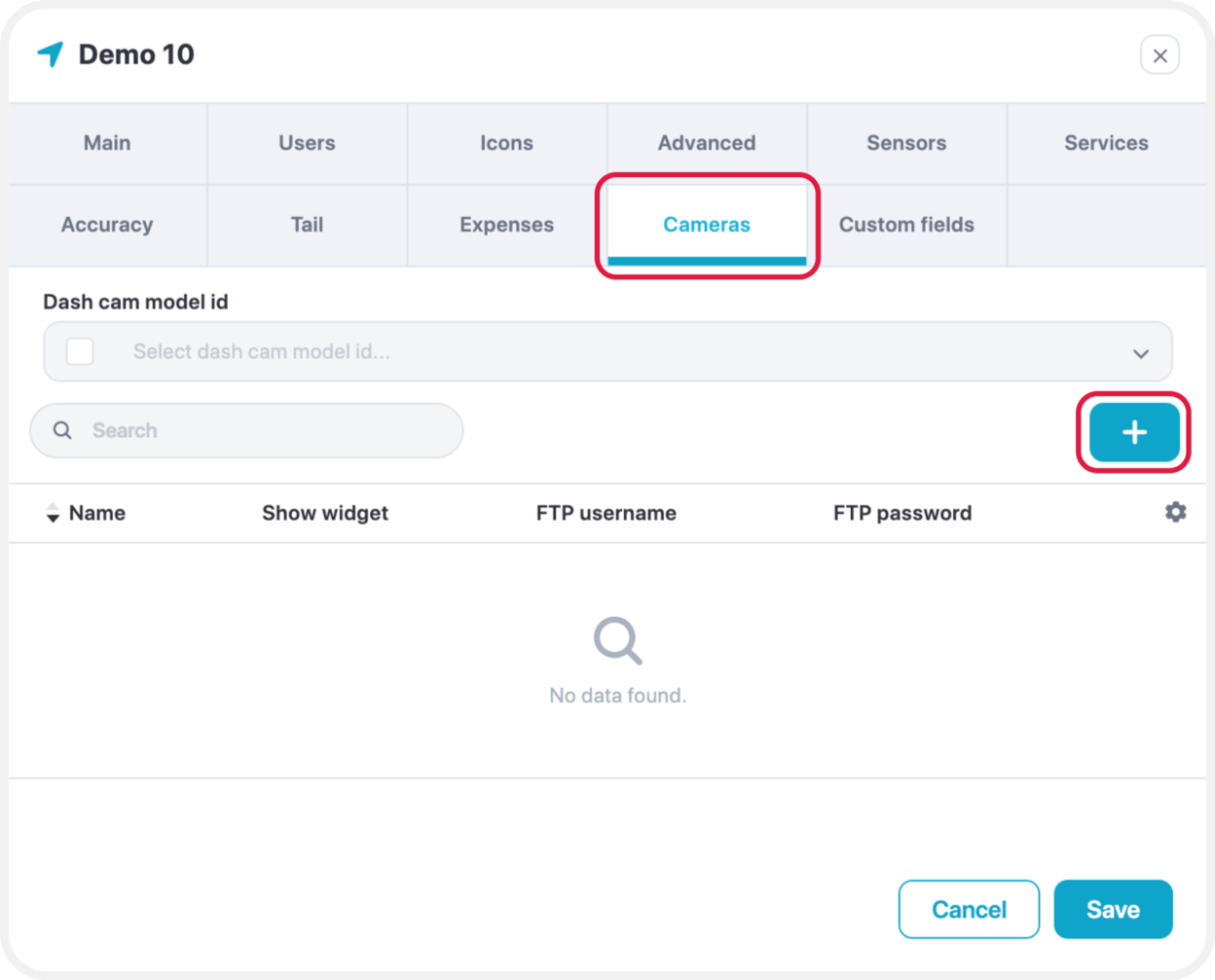
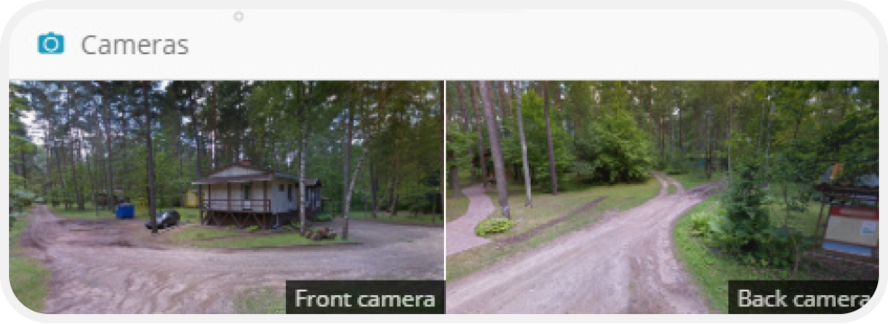
Enter a name of your choice for the camera. If you want to view real-time images in the Widgets menu, check the "Show Widget" option.
After saving, an FTP username and password will be automatically generated for your camera. Use these credentials to configure the FTP settings in your IP camera. This will allow the camera to start sending images directly to the GPS server.
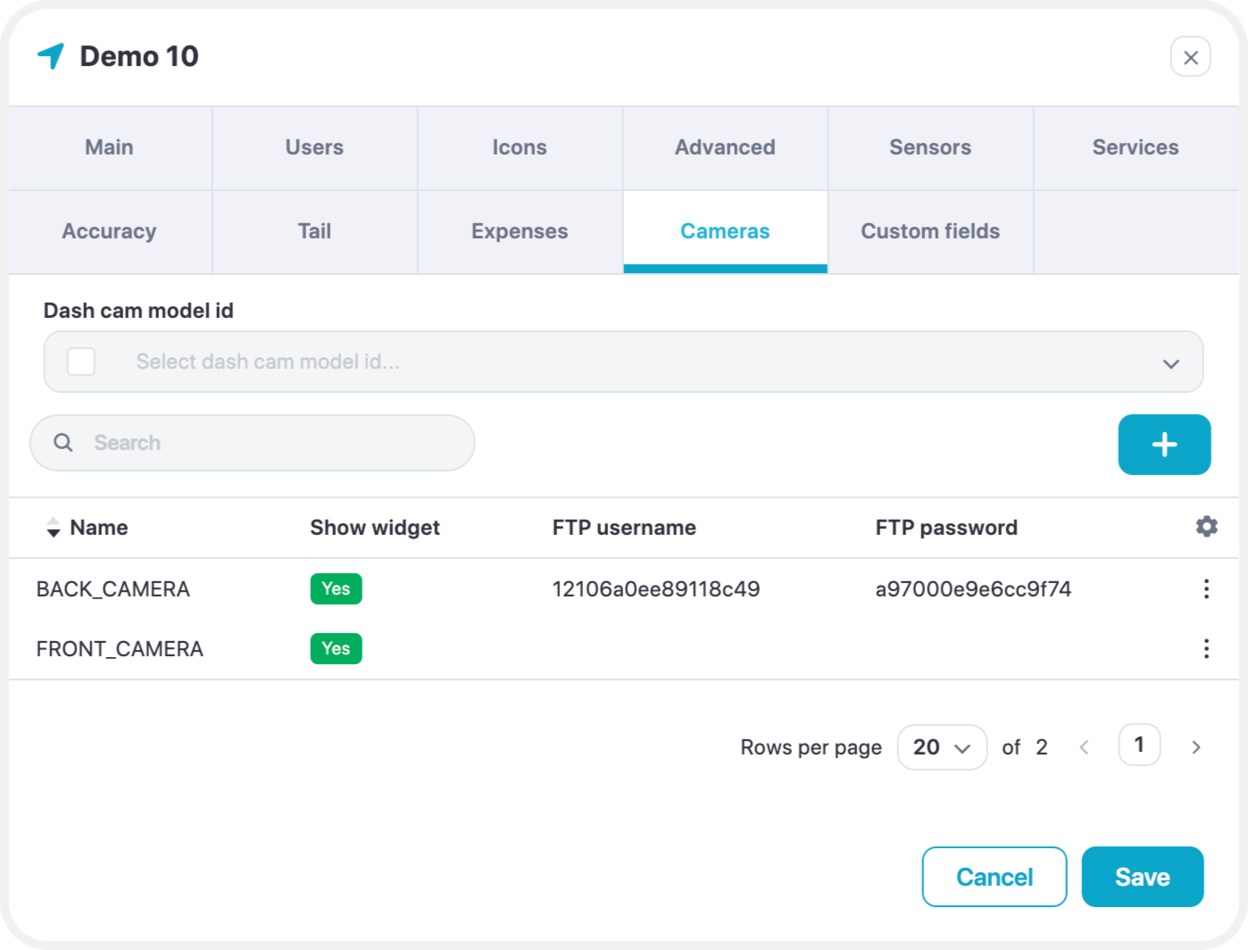
Once the FTP settings are correctly configured on your cameras, real-time images will begin to appear automatically.
In addition to live viewing, you can also:
- Preview image history
- View saved photos
- See the corresponding device location on the map
?