

 Back
Back
















10.6 Icon Settings
User manual
1. Getting started
2. Workspace overview
3. My account
4. Creating & Activating Tracker (Manually)
4.1 Creating & Activating Tracker (Automatically)
4.2. Creating & activating mobile phone
5. Sensor Management
6. Device Management
7. Tools Overview
7.1 Tools Alerts
7.2 Geofences
7.3 Reports
7.4 Send Commands
7.5 POI
7.6 Camera_Media
7.7 Tasks
7.8 Maintenance
7.9 Overview Feature
7.10 Sharing
8. Widgets
Admin manual
Icon settings
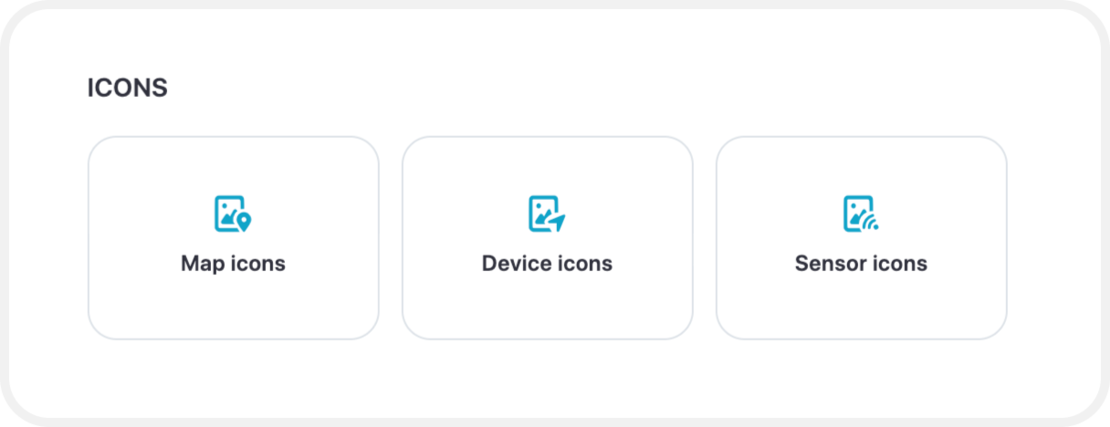
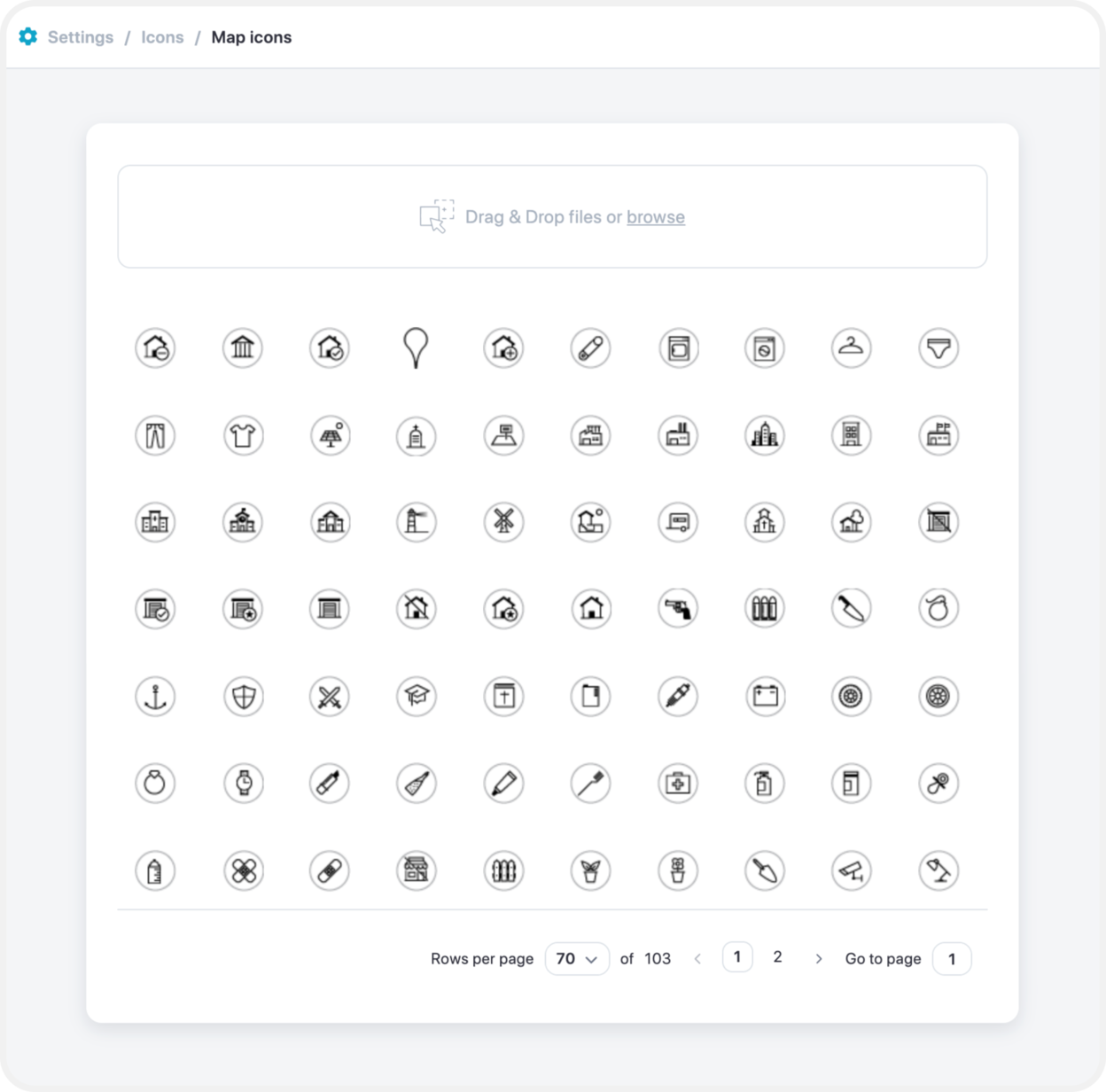
Map Icons
To be able to add map icons, simply just drag and drop your chosen icons and they will be added for you to choose in the map features.
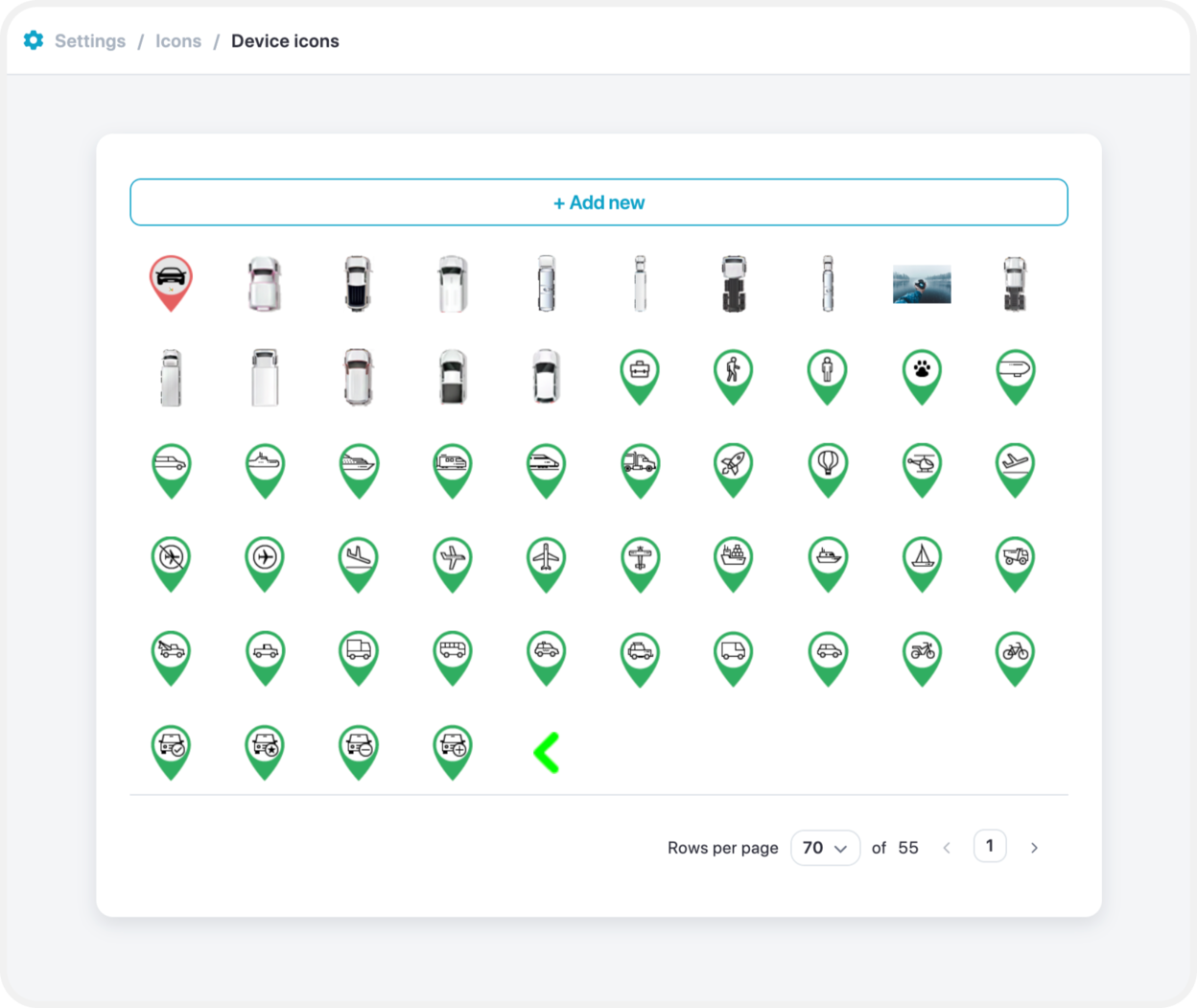
Device Icons
Simply drag and drop device icons to be saved for a later use.
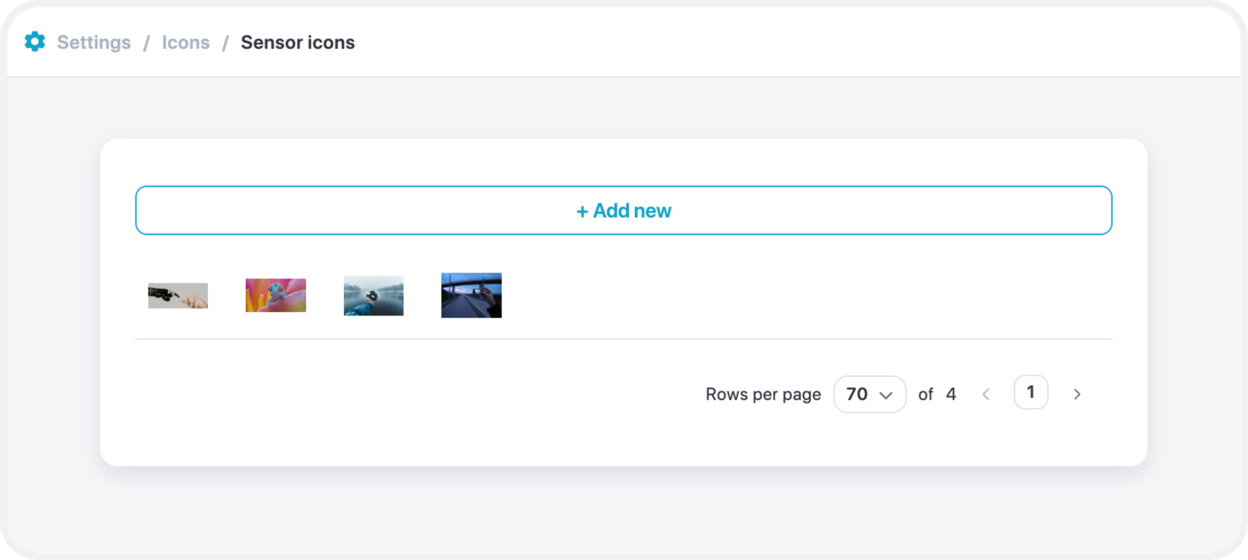
Sensor Icons
To add sensor icons, select “Add new”, which will bring a new pop up screen to drag and drop selected images to use for sensors.